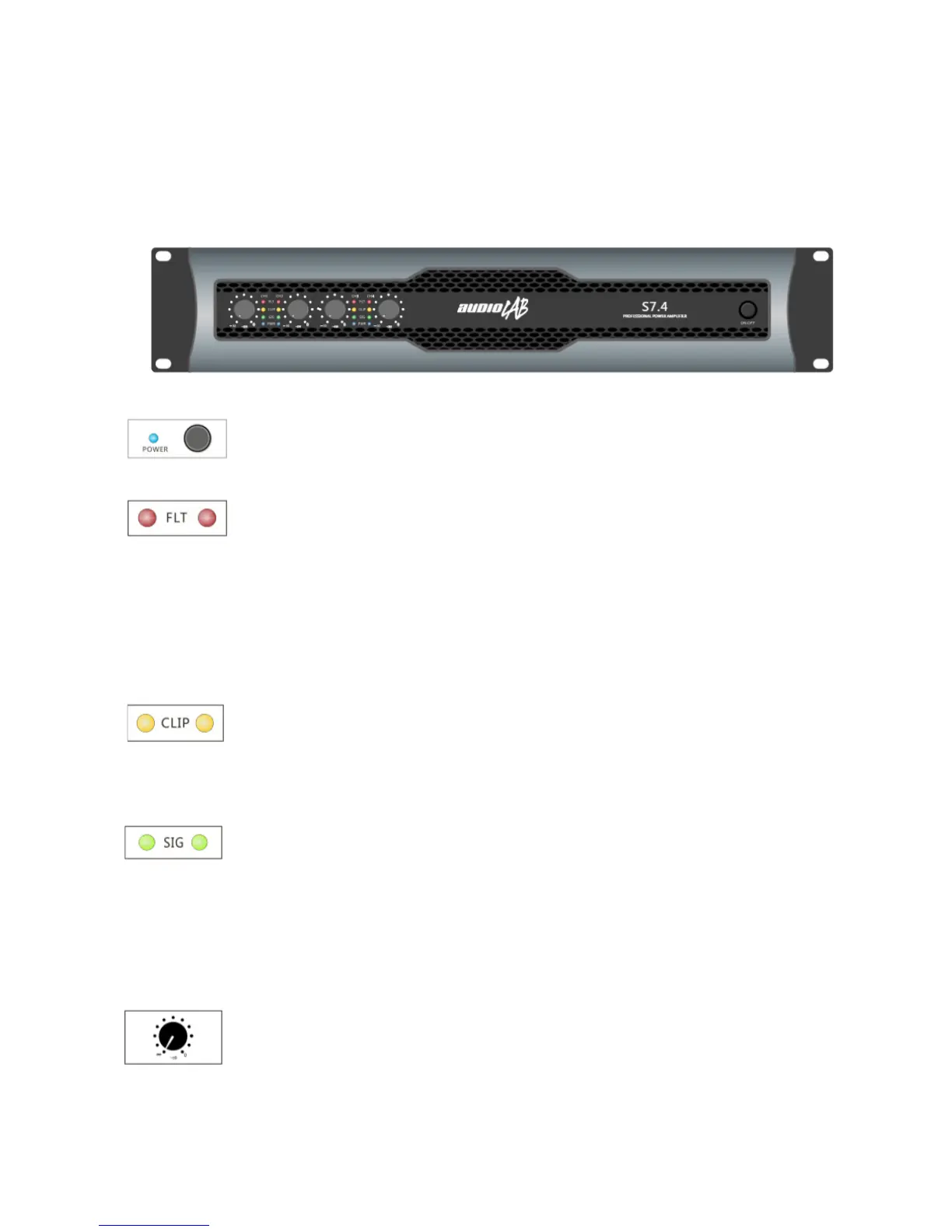
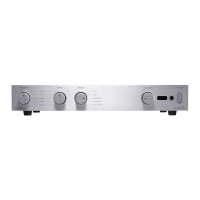
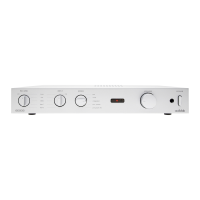
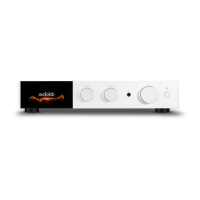
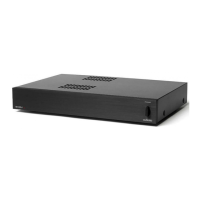
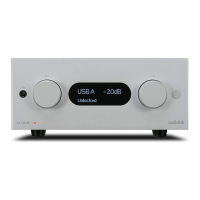
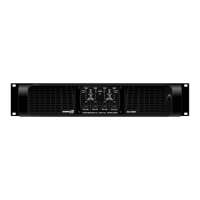
Front Panel
Power switch: It can turn on/o the amplier.
When turn on, the Power LED lights.
Fault LED: When circuit protection works, the
LED will light, specially when the heat-sink over-
heat or detect the DC voltage in the amplier,
the LED will light. Turn on the amplier within
three seconds, the amplier is ready to work, the
LED will shine. When nish start or the problem
is removed, the LED will estinguish, and resume
working normally.
Clip LED: When the output signal distortion of the
corresponding channel exceeds 1%, the LED will
light, because of the signal level is too high, and
have been cut-o.
Signal LED: When there is the input signal, the
LED will light, if not, please check the gain set-
tings, if necessary, can increase the gain. Check
the input connection and signal audio source.
If the Clip LED shines a little of shows no signal,
check the output wire whether it is shot-circuit or
not.
Gain control: Use to set the output level of each
channel.
English version



 To Next Page