60
EN
Shule Mode
1. Under menu of Music Player mode, press the
buttons to
select Shule play and press SELECT button repeatedly to turn shule
play on/o. A corresponding Shule symbol appears in the status bar.
2. Alternatively, press RANDOM button on remote control repeatedly to
turn mode on/o.
Charge your device
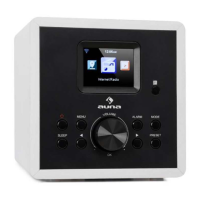
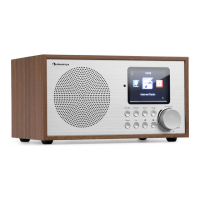
You can charge your device through the USB socket on this unit with a USB
cable (not supplied).
• The maximum current for USB charging is 1A.
• All devices for USB charging are not guaranteed.
• USB charging is not supported under Music Player mode.



 To Next Page