61
EN
DAB RADIO
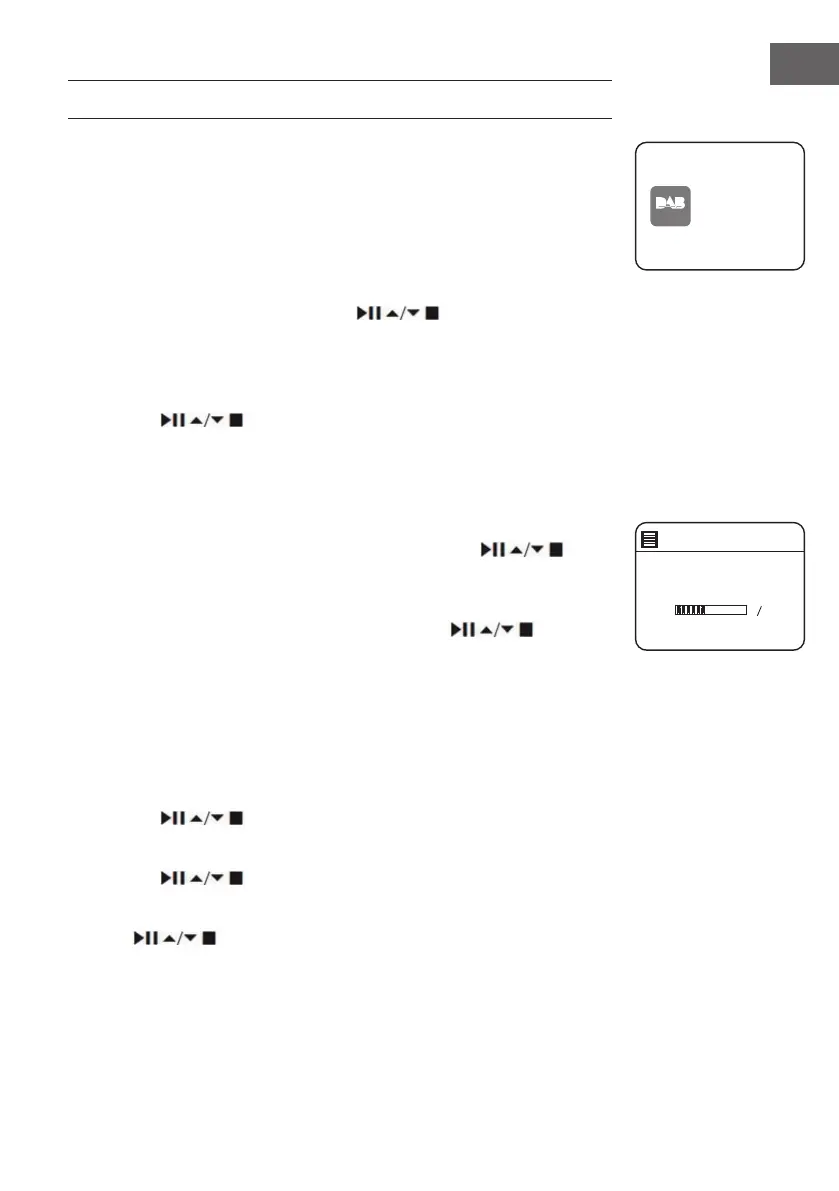
Press MODE button on unit or remote control to access Mode Menu. Turn
the SCROLL&SELECT dial on unit or press ⏮/⏭ buttons on remote control
to select DAB Radio mode, then press SCROLL&SELECT dial onunit or
SELECT button on remote control to conrm. The unit will enter DAB mode
and perform the auto scan function. During the scan the display will show
“Scanning… ” together with a slide bar that indicates the progress of the
scan and the amount of stations that have been found so far. Once the scan
has nished, the unit will select the rst alpha numerically found station.
To explore the found stations, press the buttons to select and
press the SELECT button to conrm.
Station List
1. During DAB mode, press the MENU button to access DAB menu.
2. Press the
buttons to select “Station List” and then press the
SELECT button to conrm.
3. A list of DAB+ stations will show on the display.
Auto Scan
• Press the SCAN button on unit or remote control to activate auto scan.
• Alternatively, press the MENU button, and then press
buttons to select Scan. Press the SELECT button to conrm.
1. The display will show “Scanning…” and a progress slide bar.
2. All the stations that have been found will be stored automatically. To
explore and listen to the found stations, press the buttons to
select and the press the SELECT button to conrm.
Manual Tuning
As well as the auto tune function, you can manually tune the receiver. This
can help you when aligning your aerial or when adding stations that were
missed while auto tuning.
1. Press MENU to display the menu.
2. Press the
buttons to select “Manual tune”, and press the
SELECT button to conrm.
3. The display will show the multiplex 5A to 13F.
4. Press the buttons to select the channel, and press the
SELECT button to conrm.
5. To listen to any stations found, return to the now playing screen and
press buttons to select the required station from the station
list and press SELECT button to conrm.
DAB
radio
DAB Radi o
Scan
Stations: 0
Scanning



 To Next Page