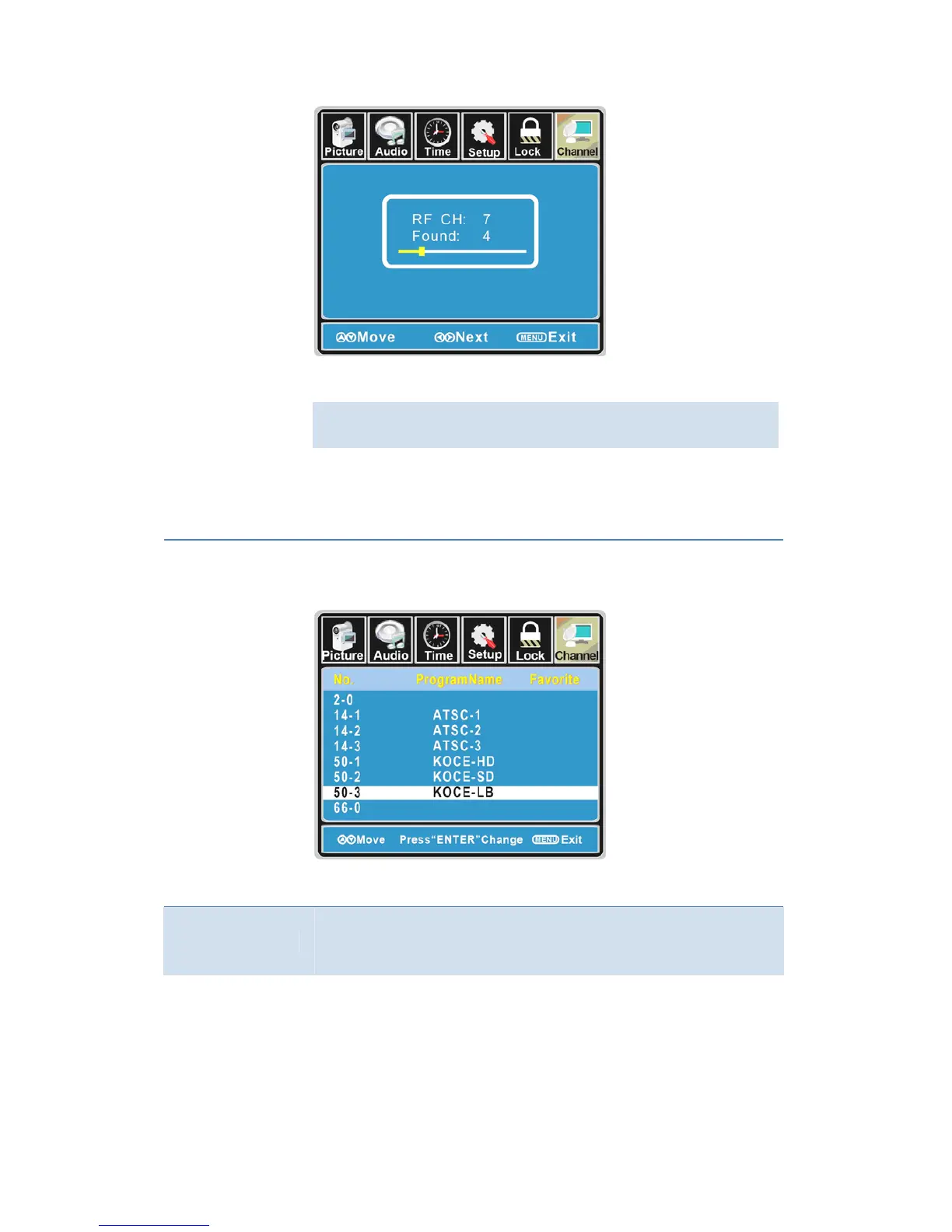
Thereceivablechannelswillbestoredautomatically.
Whensearchingchannels,pressMENUtostop.
Ifyouselect“Cable”asinputsignalinAntennaitem,allowsyoutoselect
CableSystemamong:Auto,STD,IRCandHRC.
Use the ▼ button to highlight the “Start to Scan”, then press the ►
buttontosearchthechannelsautomatically.
Thereceivablechannelswillbestoredautomatically.
Whensearchingchannels,pressMENUtostop.
Favorite
Allow you t add these channels which you desired as the favorite
channels. Use the ▲/▼ buttons to highlight the “Favorite” item, then
pressthe►buttontoenterintothefollowingmenu.
Use the ▲/▼ buttons to highlight the desired item, then press ENTER
buttontoaddorremovethehighlightedchannelasfavorite.
Show/Hide
Allowyoutoshoworhidethechannels.
Usethe ▲/▼ buttonstohighlightthe“Show/Hide” item,thenpressthe
►buttontoenterintothefollowingmenu.
25



 To Next Page