GENERALINFORMATION
FiguresandillustrationsinthisUserManualareprovidedforreferenceonlyandmaydifferfrom
actualproductappearance.Productdesignandspecificationsmaybechangedwithoutnoticein
ordertoenhanceproductperformance.
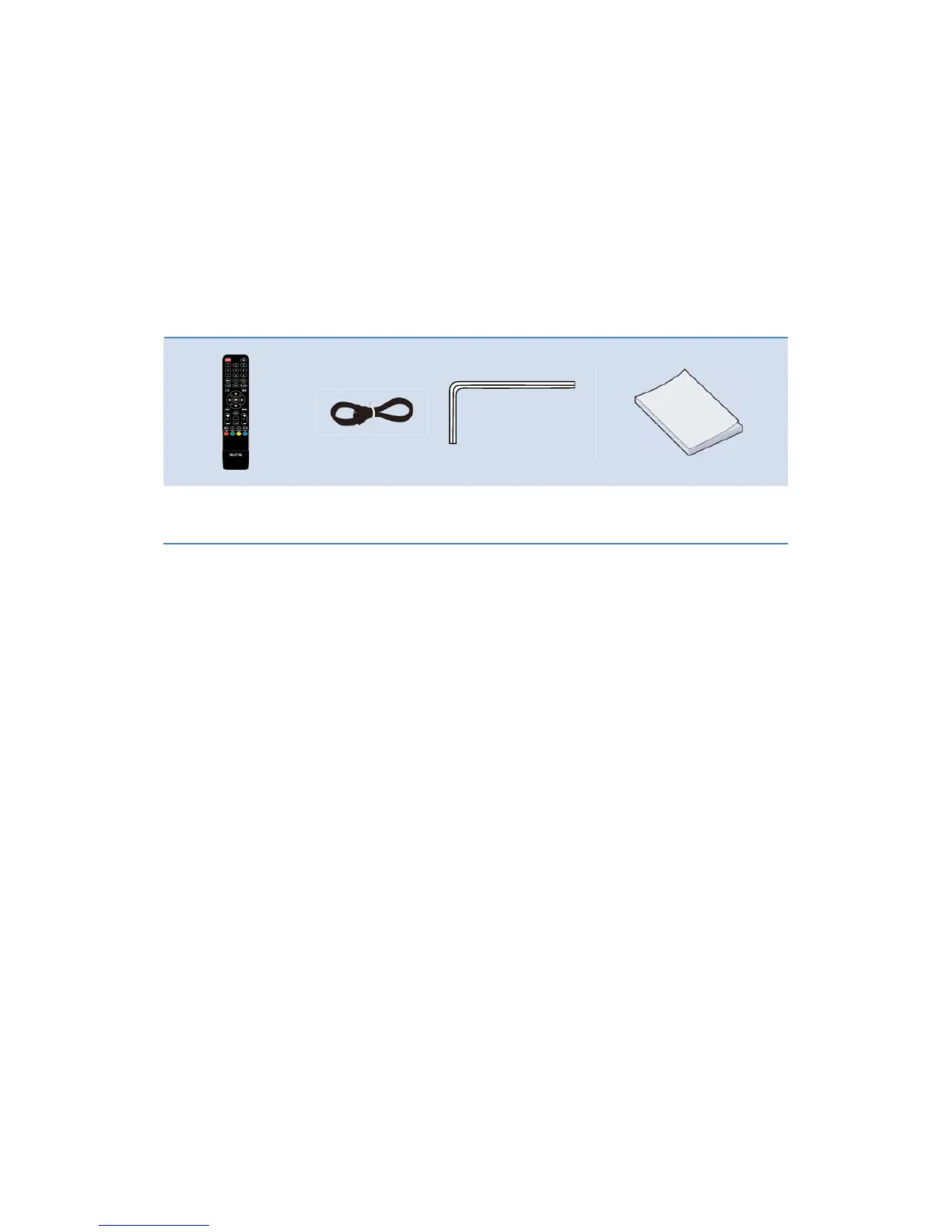
Accessories
RemoteControl PowerCord Screwdriver UserManual
PleasemakesurethefollowingitemsareincludedwithyourLCDTV.Ifanyitemsaremissing,
contactyourdealer.
Theitemscolorandshapemayvarydependingonthemodel.
BatteriesInstallationofRemote‐ControlUnit
1. Liftthecoveratthebackoftheremotecontrolupwardasshowninthefigure.
2. InstalltwoAAAsizebatteries.
Make sure to match the ‘+’ and ‘‐’ ends of the batteries with the diagram inside the
compartment.
3. Replacethecover.
Removethebatteriesandstorethemincool,dryplaceifyouwon’tbeusingtheremote
controlfor a long time. (Assuming typical TV usage, the batteries should last forabout one
year.)
)Iftheremotecontroldoesn’twork,checkthefollowing:
z IstheTVpoweron?
z Aretheplusandminusendsofthebatteriesreversed?
z Arethebatteriesdrained?
z Isthereapoweroutageoristhepowercordunplugged?
z Isthereaspecialfluorescentlightorneonsignnearby?
3


 To Next Page