56
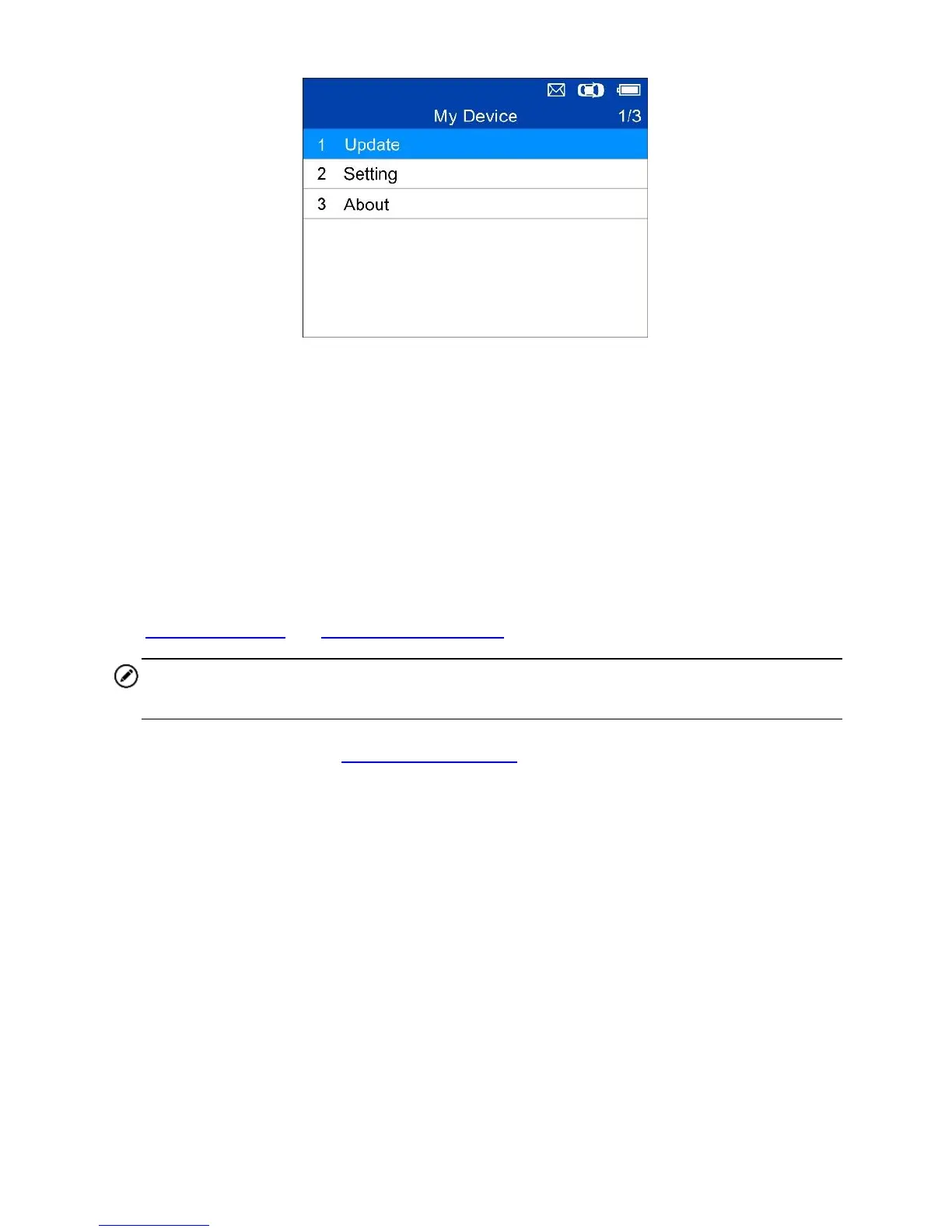
Figure 5-4 Sample My Device Menu
Update
This function allows you to update the scan tool software through a Windows-
based computer.
Register the Tool
User can update the scan tool ONLY after registering it on the website:
www.autel.com, or www.maxitpms.com.
NOTE
Prior to registration, please confirm your network is working properly.
1. Visit the website http://pro.autel.com.
2. If you already have an Autel account, Sign In with your account ID and
password.
3. If you are a new member to Autel, click on the Create Autel ID button on
the left side to create an ID.
4. Enter the required information in the input fields, and click the Get
Verification Code button to get the verification code for email validation.
5. The online system will automatically send a verification code to the
registered email address. Input the code in the Verification Code field
and complete other required fields. Read through Autel’s Terms and
Conditions and click on Agree, and then click Create Autel ID at the
bottom. A product registration screen will display.
6. The device’s serial number and password is located in the About section













 To Next Page