67
Exit – quit the operation.
Product Troubleshooting
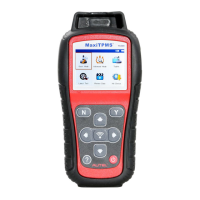
This part describes problems that you may encounter while using the TPMS
tool.
Vehicle Linking Error
A communication error occurs if the TPMS tool fails to communicate with the
vehicle’s ECU (Electronic Control Unit) when running the diagnostic function.
You need to do the following to check up:
Verify that the ignition is ON.
Check if the TPMS tool’s OBD II connector is securely
connected to the vehicle’s DLC.
Verify that the vehicle is OBD II compliant.
Verify that the vehicle is equipped with TPMS.
Verify that the tool battery is sufficiently charged.
Turn the ignition off and wait for about 10 seconds. Turn the ignition back
on and continue testing.
Verify the control module is not defective.
Operating Error
If the scan tool freezes, reset the tool:
Turn the ignition off and wait for about 10 seconds. Turn the ignition back
on and continue testing.













 To Next Page