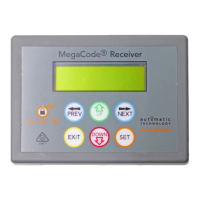
Installation Instructions MegaCode
®
Receiver 3
Megacode
®
Receiver
Multi-Frequency Four Channel Receiver
Contents
1. Features 4
2. Operating Controls 6
3. Installation 7
4. Coding Transmitter 8
4.1 Coding Transmitter Button 8
4.2 Selecting Function Of The Button 8
4.3 Returning To Main Screen 8
5. Remotely Coding Transmitters 9
5.1 Selecting The Function To Be Coded 9
5.2 Activate Remote Code Set Mode 9
5.3 Removing the Battery From the Transmitter 9
6. Time Clock 10
6.1 Time Clock Operation 10
6.2 Time Clock Settings 10
6.3 Removing the Time Clock Battery From the Receiver 10
7. Specifications 11
8. Troubleshooting 11
9. Appendix 12
A - Receiver Menu Structure 12
B - Viewing and Editing Parameters 15
C - Diagnostic Tools 16
D - Memory Tools 17
E - Transmitter Editing 18
F - Transmitter Managment 19
10. Warranty and Exclusion of Liability 20


 To Next Page