20
Advanced Settings
Balance
Use to move the sound to the right speaker and to move sound to the left speaker.
Defaults to 0.
Audio Channel
Mono
Stereo (default)
SAP (second audio program)
Audio Language 1 and 2
Set up to two different languages for alternate language broadcasts: English, Spanish, or
French. Not every program will have an alternate language. Audio Language 1 defaults to
English, Audio Language 2 defaults to Spanish.
Advanced Audio Settings
1. Follow steps 1 through 3 under “Use Preset Audio Settings.” Choose User.
2. Press or to highlight Advanced Audio and press OK or .
3. Use or to choose 5-band Equalizer Set or Audio Only (explained below).
4. Press MENU to accept changes and go back to the previous menu.
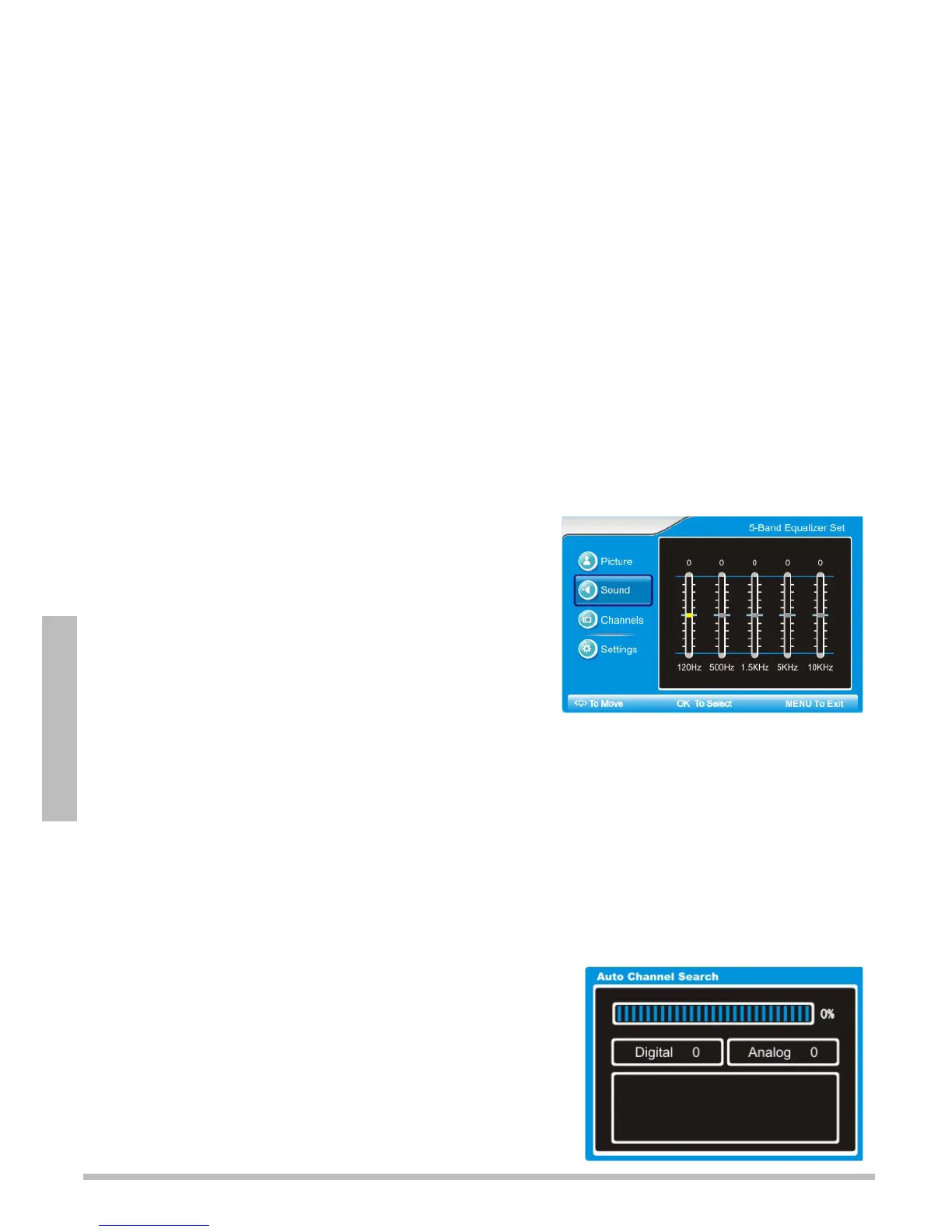
5-Band Equalizer Set
To achieve better sound quality, use
to adjust
each band until you achieve the best results.
120Hz
500Hz
1.5KHz
5KHz
10KHz
Audio Only
1. Press to highlight and OK to change this setting
to Yes. The screen goes blank.
2. To exit audio only mode, press and hold the POWER button on the TV, or the AUDIO
ONLY button on the remote for 3 seconds.
Channel Settings
Set the Tuning Band
1. Press MENU on the TV or remote control. The main menu displays.
2. Press or on the TV or remote control to select Channels, then press OK or .
3. Press to choose Cable (for satellite or cable
broadcasts) or Air (for over-the-air antenna).
Search for Channels Automatically
1. Follow steps 1 and 2 under “Set the Tuning Band.”
2. Press or to select Auto Channel Search, then
press .
3. Wait for the progress bar to reach 100%, then press
MENU to exit.



 To Next Page