Web UI
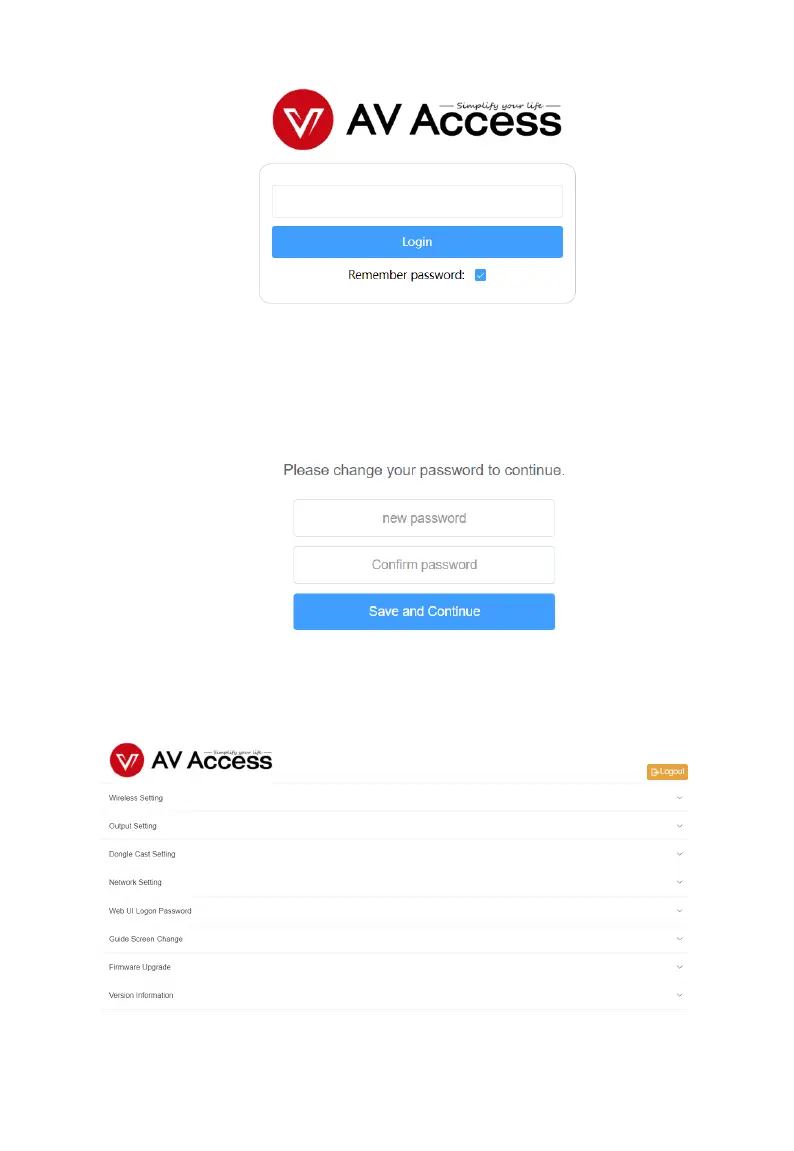
4. Input the password (default password: admin) and click Login.
5. Set up a new login password in the following dialog box and click
Save and Continue to enter the main page. The password shall
be alphanumeric only with 4 to 16 characters in length.
The main page includes seven submenus: Wireless Setting, Output
Setting, Network Setting, Web UI Logon Password, Guide Screen
Change, Firmware Upgrade and Version Information.



 To Next Page