Web UI
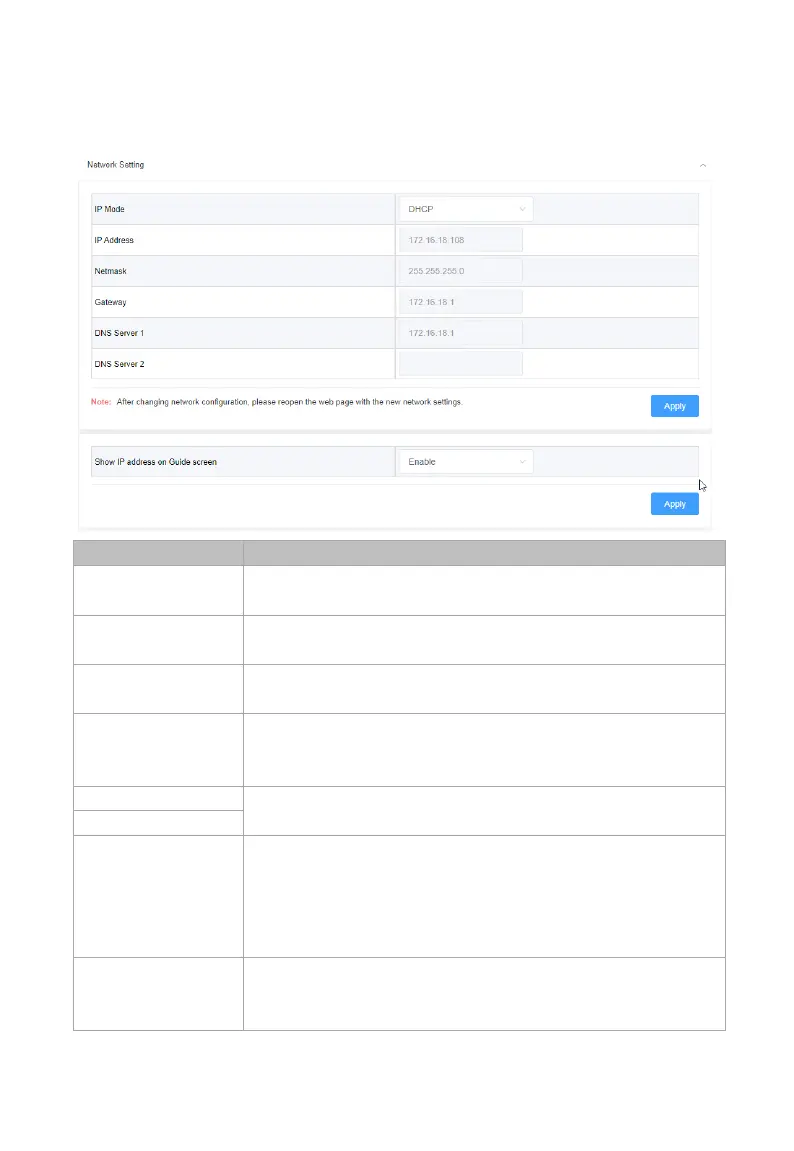
Network Setting
Select an IP mode from DHCP and Static.
By default, it’s set as DHCP.
Set IP address manually for the device when Static
mode is selected.
Set subnet mask manually for the device when
Static mode is selected.
Set gateway address manually for the device to
communicate with another network when Static
Set DNS server manually for the device to ensure
normal network communication.
address on
Guide Screen
Enable: select to show IP address on Guide
Screen.
Disable: select no
Guide Screen.
By default, it is set as Enable.
Click to save and perform current settings.
Note: After the IP settings are changed, please
refresh the Web UI page to re-login.



 To Next Page