Web UI
Note: If the connected display doesn’t support
CEC, the word “Standby” appears in the middle
of the Guide Screen.
• If it’s set to 0 minute, it means this function is
disabled, you cannot set the display to standby
mode.
By default, auto standby is set as 1 minute.
Click to perform current settings.
and Output
Matching
Setting
• When it is enabled, and all HDMI input and
output ports are connected to available HDMI
devices, Dual Desktop Mode is activated, that is
HDMI OUT1 outputs HDMI IN1, HDMI OUT2
outputs HDMI IN2.
• When it is disabled, the device turns off Dual
Desktop Mode.
By default, it is set as Disable.
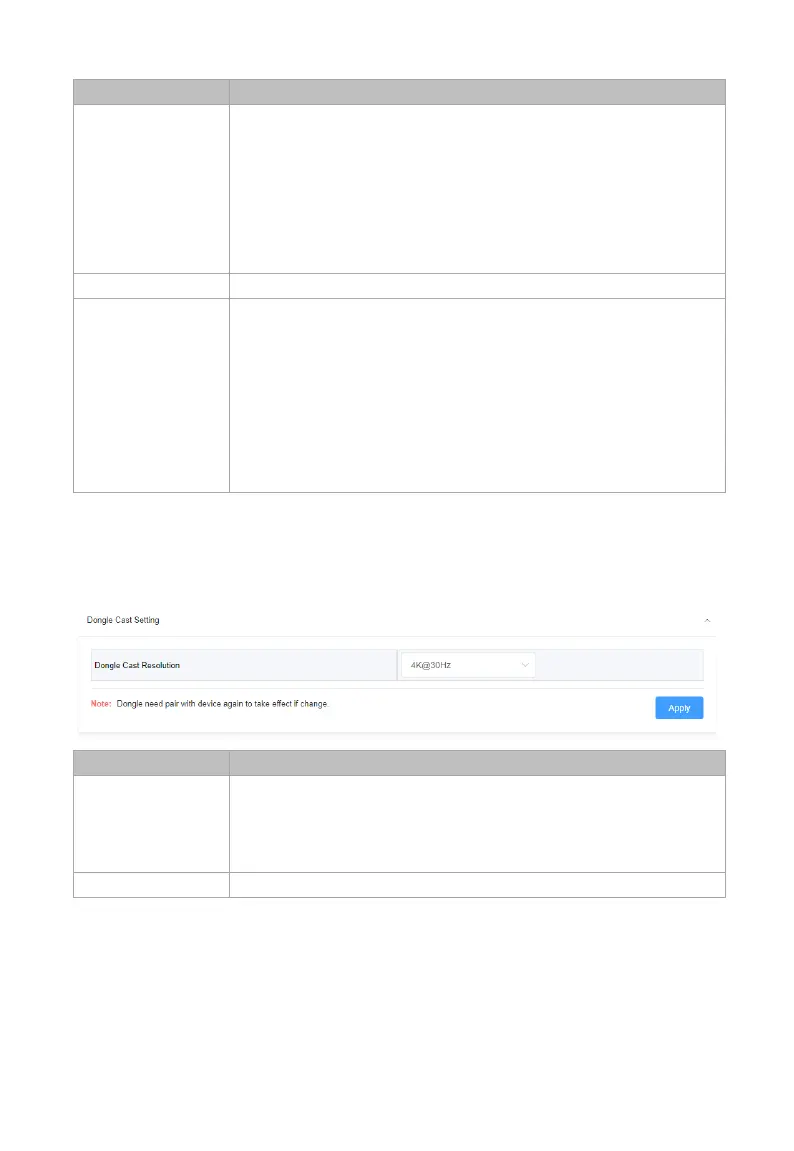
Dongle Cast Setting
Resolution
Set the input resolution of the content projected by
the Dongle.
Available options: 4K@30Hz and 1080P@60Hz.
By default, it's set as 4K@30Hz.
Click to perform current settings.



 To Next Page