- 16 -
3.1 Wi-Fi Connection
Connecting to a new Wi-fi network with Windows 10 is very easy. This may be helpful when setting up
a new device or if you're bringing your device to a new place. Follow these steps:
NOTICE!
Make sure you have installed and configured the wireless network (i.e. Hot Spot) correctly;
you'll notice the new wireless network icon in the system tray. To connect to your network,
click the network icon in the system tray and select from one of the available networks.
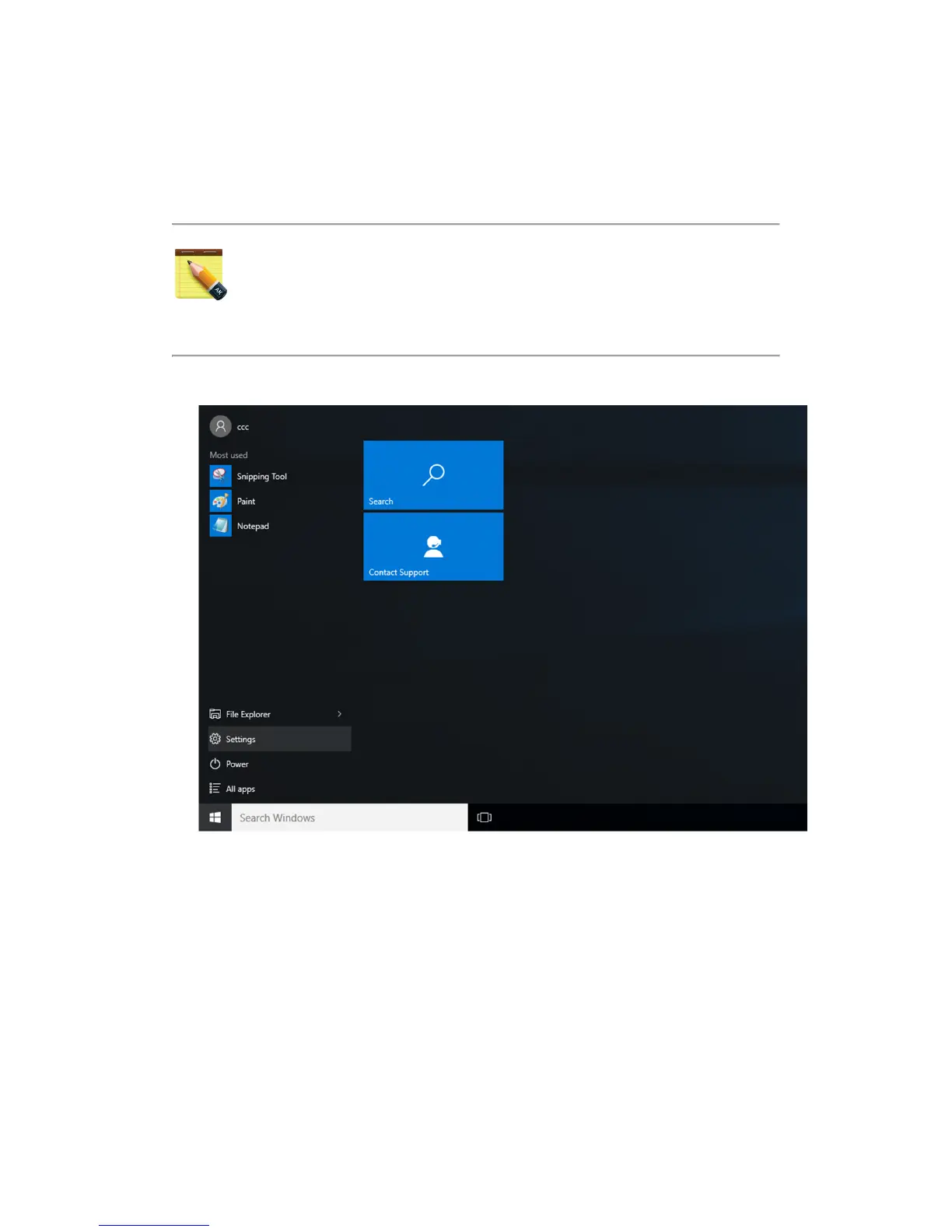
1. Click the Start menu > Settings
2. Click Network & Internet


 To Next Page