- 22 -
Exit Save and exit (see Exit menu)
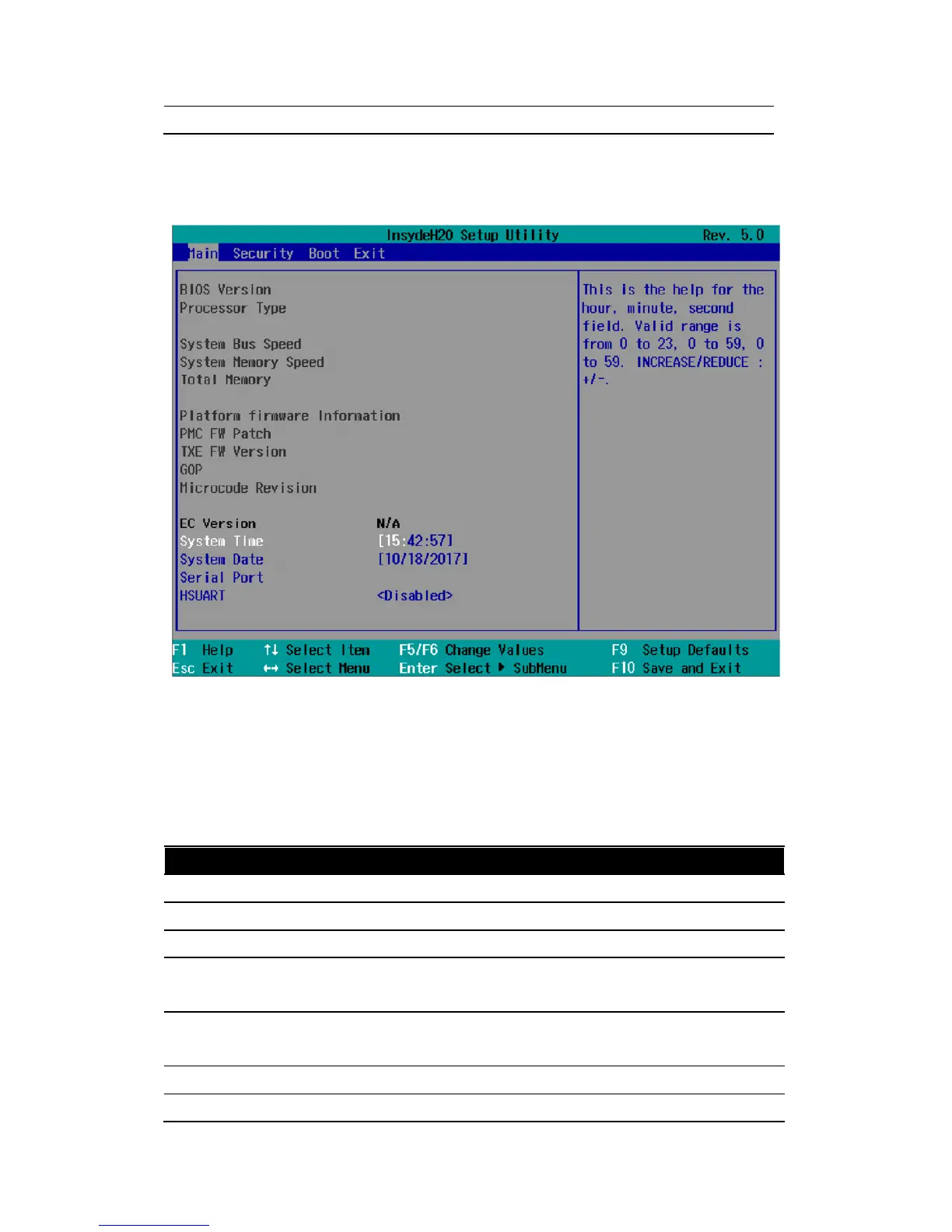
The menus always have the same structure. The figure below shows an example for the "Main" menu.
Device-specific information is shown blocked.
4.3.2 Navigation and Options Selection
Information on the keyboard is located in the bottom of the screen. A brief use of the keyboard is
described:
Button Function
←, → Select a menu title
↑, ↓ Select a menu item or option
+, - Change the value
Enter 1) Shows the sub-menu, if it is available.
2) Opens or closes the option window when an item has been selected.
Esc 1) Return from a submenu to the previous menu.
2) Close an open window with options.
F9 Assign the values with the default settings.
F10 Save and exit the BIOS setup



 To Next Page