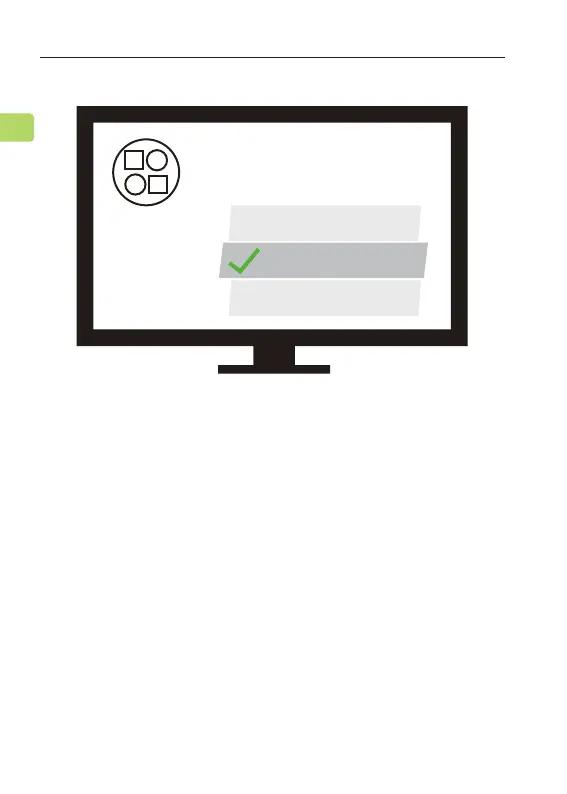
Setting Up Your TV ( FOR OPTICAL & HDMI ARC
CONNECTIONS ONLY )
STEP 1
Using your TV’s remote control, press the SETTINGS
button and navigate to the AUDIO tab within the
settings menu. (Please note that there may be
dierences in the setting names depending on your
brand of TV).
If you connected to your TV via the optical OUT , “OPT
OUT” or HDMI ARC port, you’ll need to congure your
TV settings before you’ll receive audio.
ORBIT PRO
User Manual
14
EN
Avantree Orbit Pro
Your permission is required
to connect your device to TV.
Allow
Deny
Close



 To Next Page