ORBIT PRO
User Manual
STEP 1
Once your rst device is successfully connected, put
your second pair of Bluetooth headphones / speakers
into PAIRING mode. Please refer to your headphones’
/speaker’s user manual for more details if necessary.
STEP 2
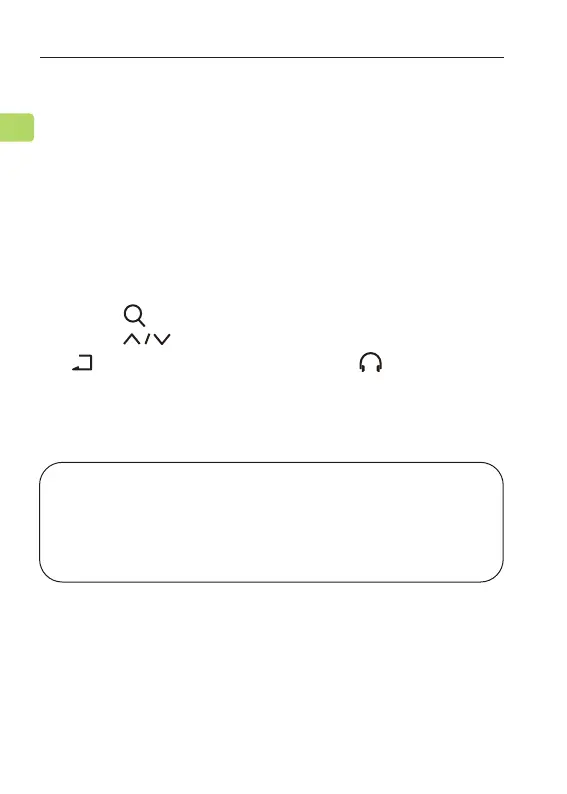
Press the button once to search for another device.
Press the button to select the device, then press
the button once to connect it. The shown on the
right of the second device name indicates the
successful connection.
Adding a Second Pair of Headphones
NOTE: The dual headphones support function works
with most headphones but not all. Certain true wireless
earbuds in particular do not work well with Bluetooth
transmitters' dual headphones mode.
16
EN



 To Next Page