ORBIT PRO
User Manual
STEP 4
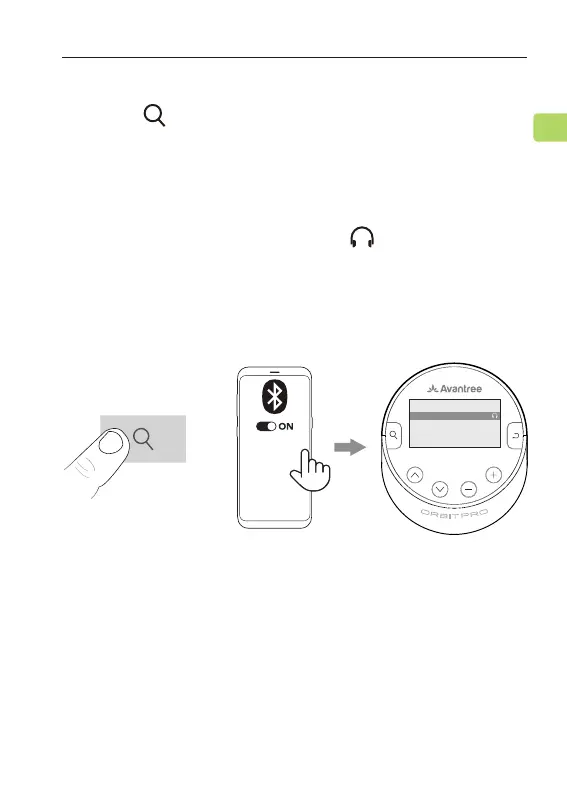
Press the button on the Orbit Pro once to enter
PAIRING mode.
Once connected successfully, the
On your device, turn on Bluetooth. Keep the Orbit Pro &
your audio source device closed together, and select
“Avantree Orbit Pro” from the Bluetooth menu.
and “Connected”
will be shown on the LCD screen.
RX OPT
iphone13
Connected
Avantree Orbit Pro
MY DEVICES
21
EN



 To Next Page