30
Tracking Mode
Select Setting > Camera > Tracking Mode > Off, Manual Frame, Auto Frame, Preset Framing or
Smart Composition.
Off: Tracking mode is disabled.
Manual Frame: User one-click SmartFrame button and camera will adjust view angle to fit all
participants in screen.
Auto Frame: Camera automatically adjusts view angle to frame all participants on screen every
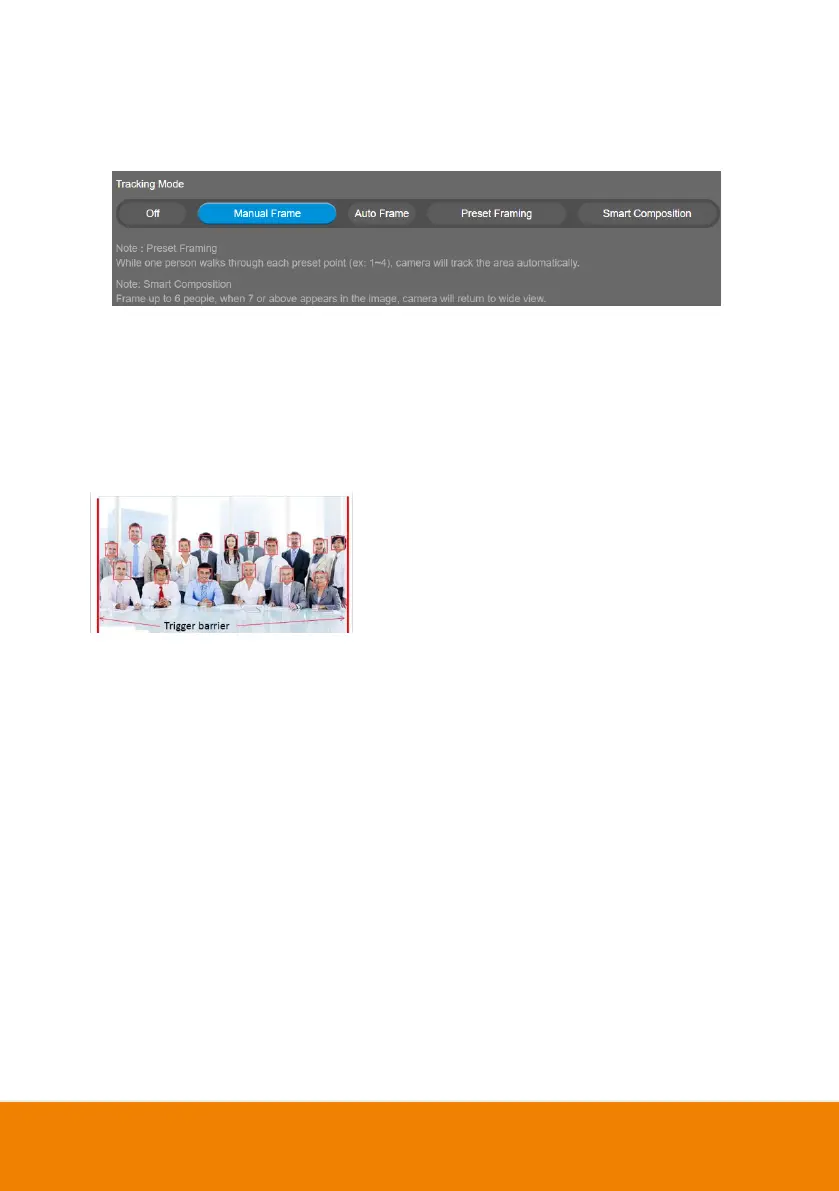
time when it detects participants’ faces or bodies. This action will be activated once people in the
room sit or stand still for 1~5 seconds, depending on the framing speed you select. Once all the
participants are in frame, the camera will keep the image
stable by not completing any action until subjects move in
or out of the screen. When a participant touches the sides
of the screen, it will trigger the camera and automatically
track, detect, and frame all the participants again.
*The default framing speed is “Middle” speed. “High”
speed is more suitable for one person tracking.
Preset Framing: Set up preset points in advance. (Only for Preset points 1~9. Preset 0 is for
home position). This is designed for requiring a specific zooming area with preferred image
proportion. Camera tracks and frames all the participants in the screen if none of them touch any
preset area. When any of them touch a preset area, the camera will immediately shoot the preset
zones instead of focusing and zooming into presenter. To keep the screen stable, whenever there
is a person in the area, the camera won’t move any more until no one shows up. However, the
camera can detect the direction where the last person goes. If the person goes to the next preset
area with overlap section, the camera will directly move to the next preset area. Thus, to ensure
smooth transition, please set up zones with overlapping presets.
If the preset zones do not overlap and when the last person leave the preset area, camera will
zoom out to wide to find people and frame them again.
If more than 2 presets areas are touched by 2 persons, camera will go to preset 1. The priority is
preset 1>preset2> preset 3….>preset 9



 To Next Page