33
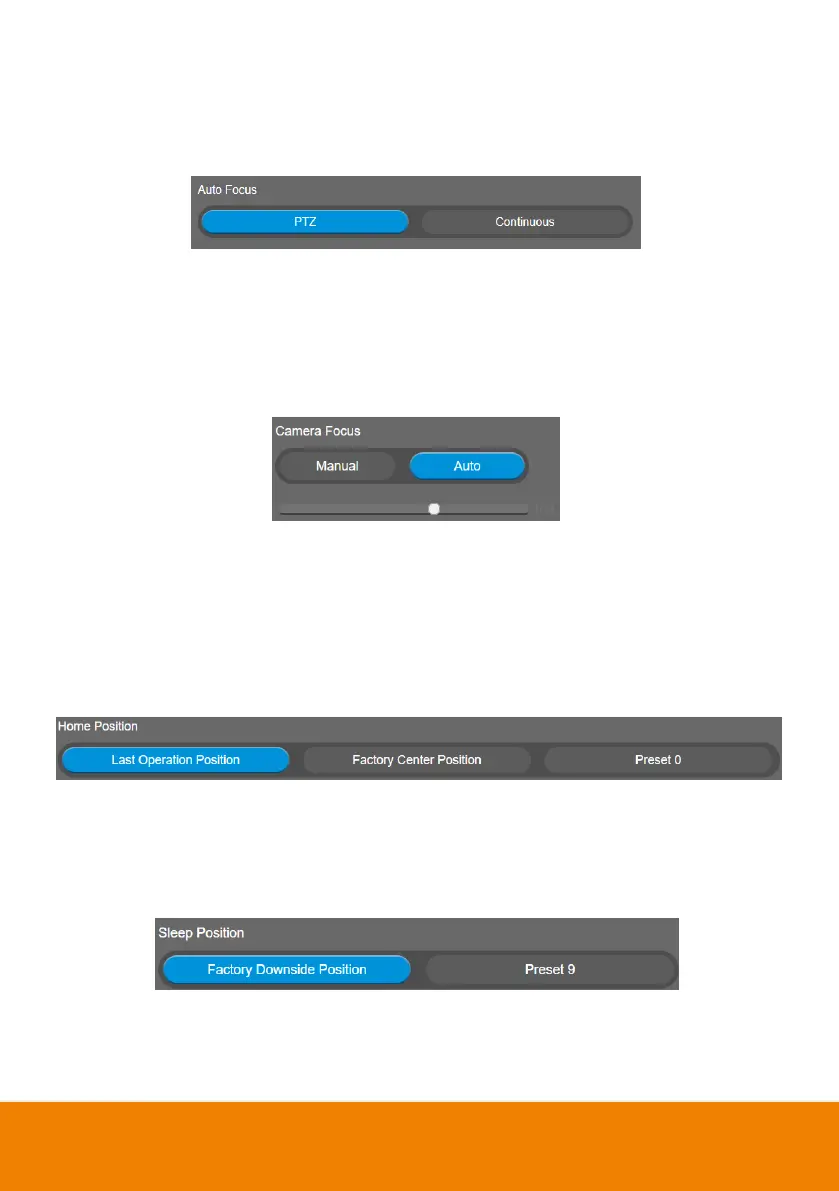
Auto Focus
Set auto focus mode.
First select Setting > Camera > Camera Focus > Auto.
Select Setting > Camera > Auto Focus > PTZ or Continuous.
PTZ: Click the button (such as pan, tilt, or zoom in/out) to adjust focus once.
Continuous: The camera will adjust the focus when the objects have moved.
Camera Focus
Set auto/manual focus mode.
Select Setting > Camera > Camera Focus > Auto or Manual.
Auto: Camera adjusts focus automatically.
Manual: You can adjust the camera focus by moving the control bar below.
Home Position
Every time when powering on the camera, it will turn to this position.
Select Setting > Camera > Home Position > Last Operation Position, Factory Center Position, or
Preset 0.
Sleep Position
When the camera idles for certain period, it will enter sleep mode and go to the sleep position. Please
set up sleep timer to enable sleep mode.
Select Setting > Camera > Sleep Position > Factory Downside Position or Preset 9.



 To Next Page