38
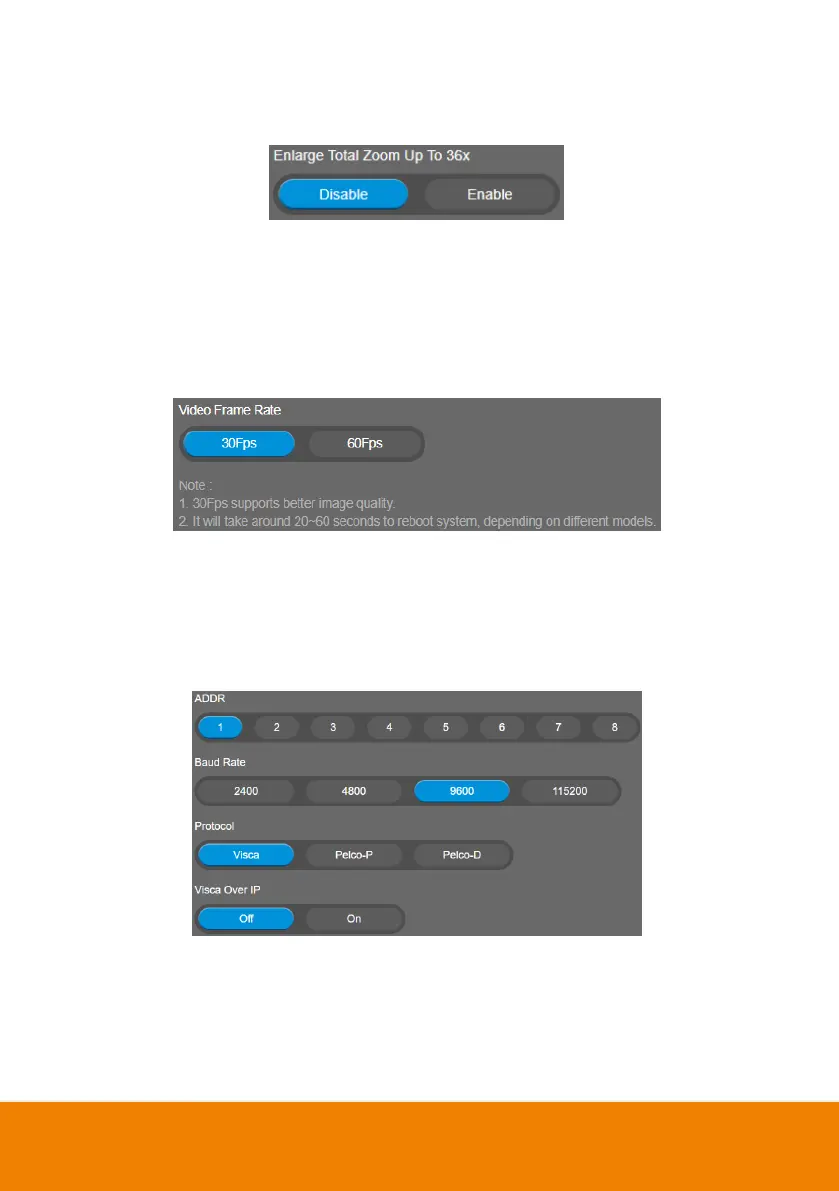
Enlarge Total Zoom Up To 36x
Enable/Disable enlarge zoom up to 36x. The default is 24x.
Video Frame Rate
Set up the frame rate value.
Select Setting > Image > Video Frame Rate > 30Fps or 60Fps.
30fps is with much better image quality than 60fps. Unless you want to shoot fast moving objects,
please use 30fps.
RS-232 Settings
When CAM520 Pro3 connects with PTZ camera controller through the RS-232 port, please setup
ADDR, Baud Rate, Protocol, and Visca Over IP settings.
Select Setting > RS-232.



 To Next Page