51
Use PTZApp 2 with USB Devices
1. Run your video application and make a video call.
2. During your video call, you can use the PTZApp 2 to pan, tilt and zoom the camera in/out and
enable/disable the true WDR, brightness, and sharpness feature.
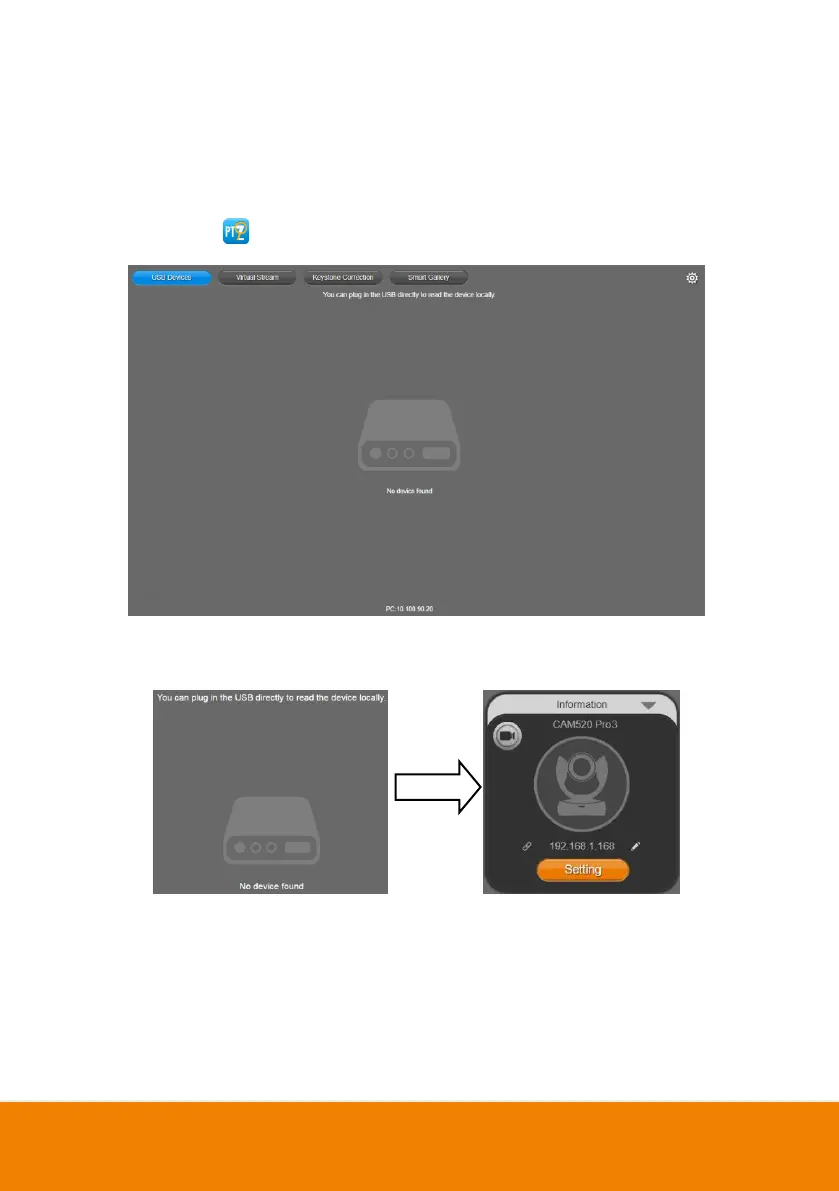
3. Launch PTZApp 2 ( ) and it will open in Chrome browser automatically.
4. Choose “USB device” and connect CAM520 Pro3 to PC/laptop with USB cable. When the
camera is detected, the product card will show up.



 To Next Page