15
Make a Connection to the Camera via Browser
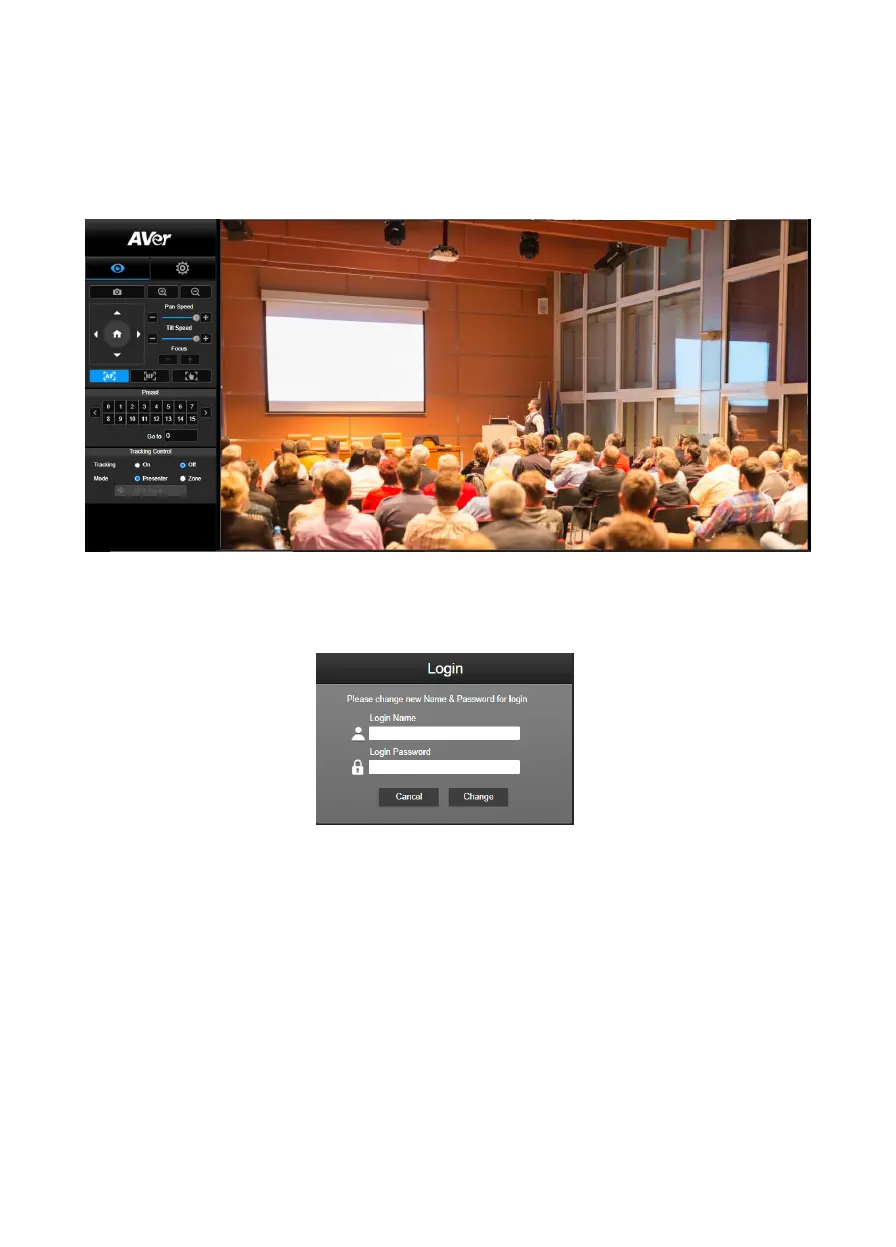
Open the browser and enter the IP address of the camera. The PC/laptop requires an internet access.
After connecting to the camera, enter the user account and password (default is admin/admin) to log
in Web.
[Note] User will be asked to set a new account and password after first login. Please use the new
account and password to log in later.



 To Next Page