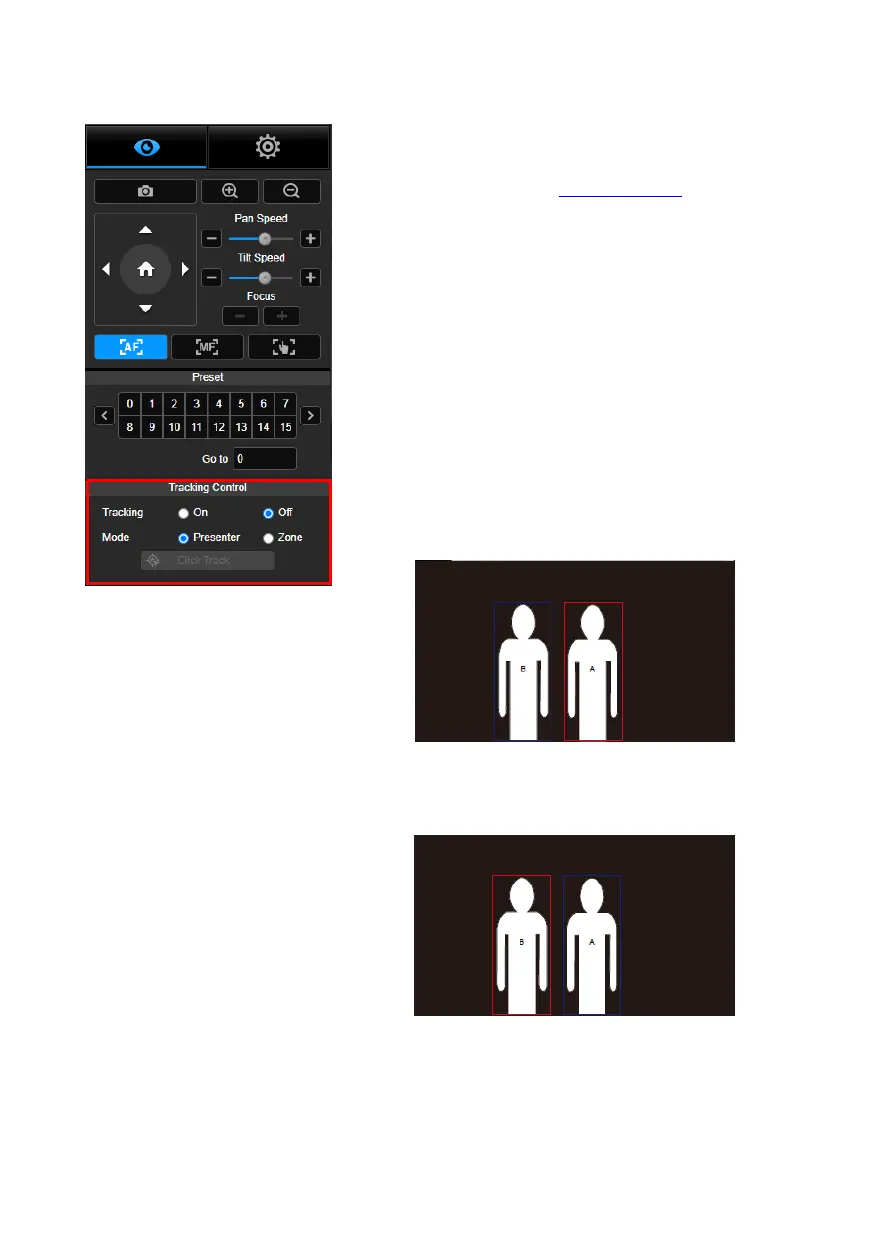
Enable/disable tracking function, select tracking mode, and
operate one-click tracking function.
Tracking mode (refer to Tracking Settings section for
setup)
Presenter: Camera will start tracking when object
enters the tracking point.
[Note] Tracking point under presenter mode: default
set is preset 1. When preset 1 is not set, tracking point
is home position.
Zone: Camera will start tracking when object is moving
between the preset tracking block area.
Click Track: This function allows user to change tracking
object while auto tracking.
1. Select Click Track button. A red frame is targeted on the
tracking object and blue frames are targeted on other
objects on the live screen.
2. To select a new target, just simply click the object on the
live screen.



 To Next Page