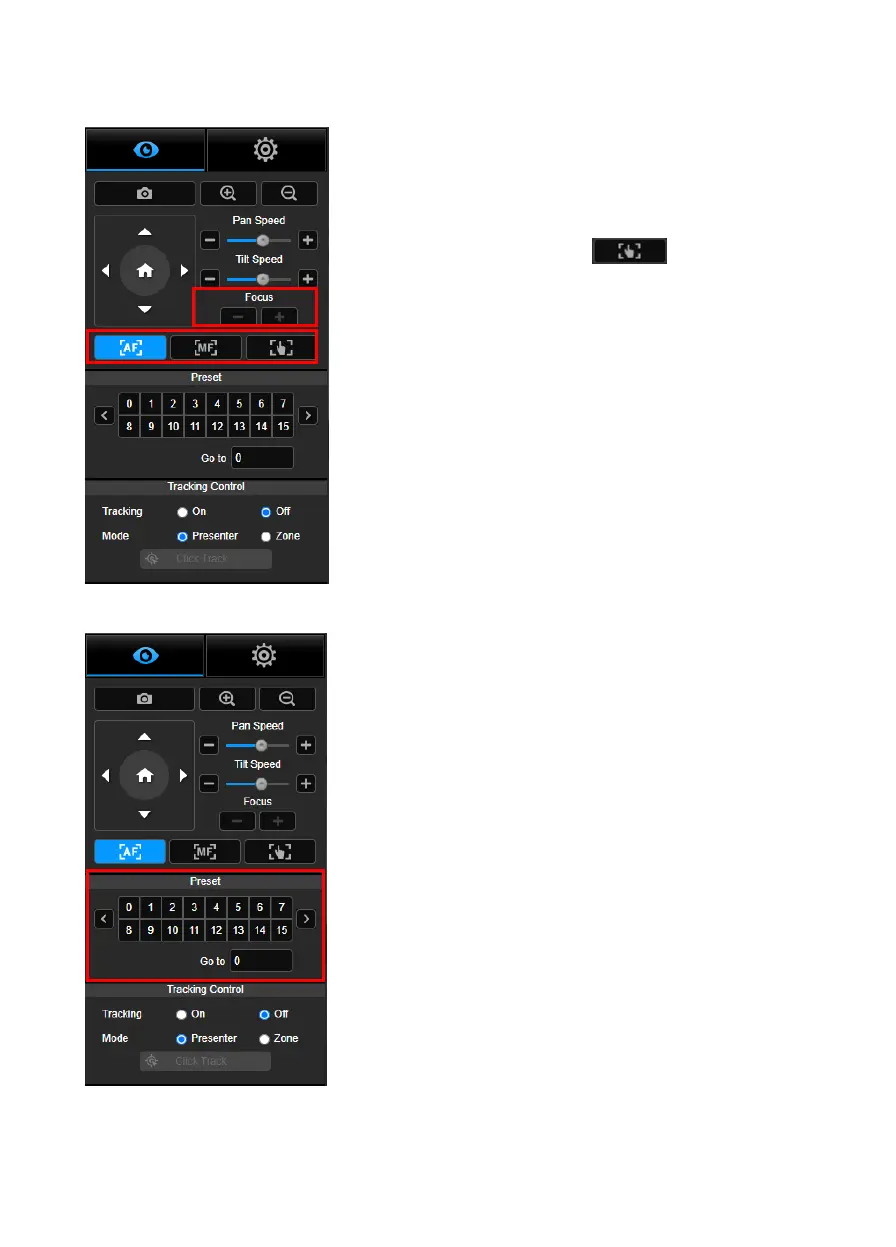
Switch to auto (AF) or manual (MF) focus. The manual focus
use “+” and “–” to adjust focus. Select “+” to adjust focus to the
far end and focusing on a far subject; select “-” to adjust focus
to near end and focusing on a near subject.
One push focus: By clicking the button to adjust
Lens focus automatically once.
Select the number to view preset positions. User can also
enter preset position number (0~255) in “Go to” column directly
for a quickly calling section.



 To Next Page