53
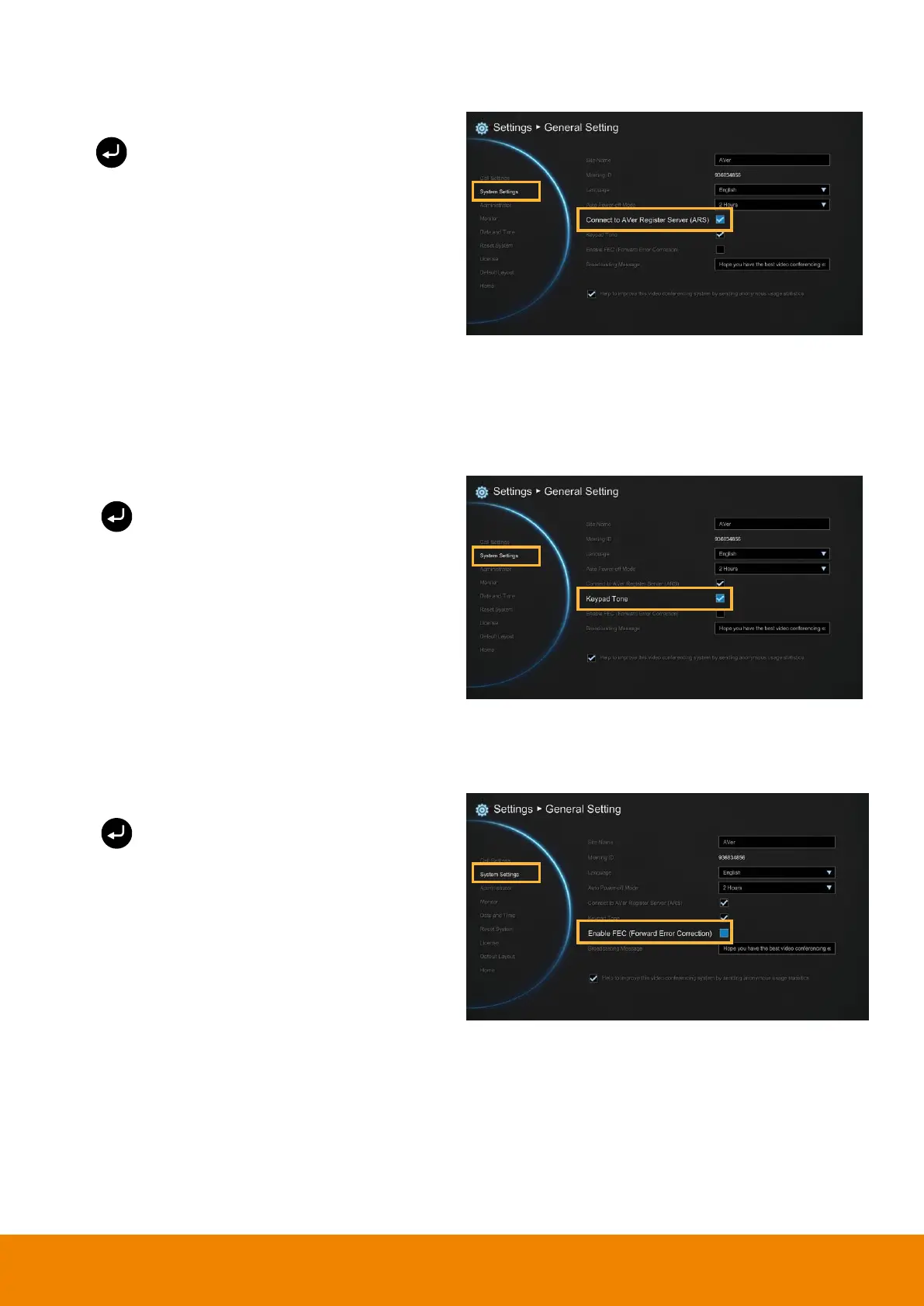
Connect to AVer Register Server
Select General Setting
│
System Settings and
press .
The default is enabled.
Enable to create meeting ID. When Connect to
AVer Register Server is disabled, the meeting ID
cannot be created and the meeting invitation
from outlook EZMeetup will be failure.
[Note]
A internet access is required.
Keypad Tone
Keypad Tone allows you to enable/disable tone sounds when you are dialing a number using the
remote controller.
Select General Setting
│
System Settings and
press .
Select the Keypad Tone check box to enable the
tone sounds. By default, this function is enabled.
Enable FEC(Forward Error Correction)
Select General Setting
│
System Settings and
press .
Enable/disable FEC(Forward Error Correction)
function.



 To Next Page