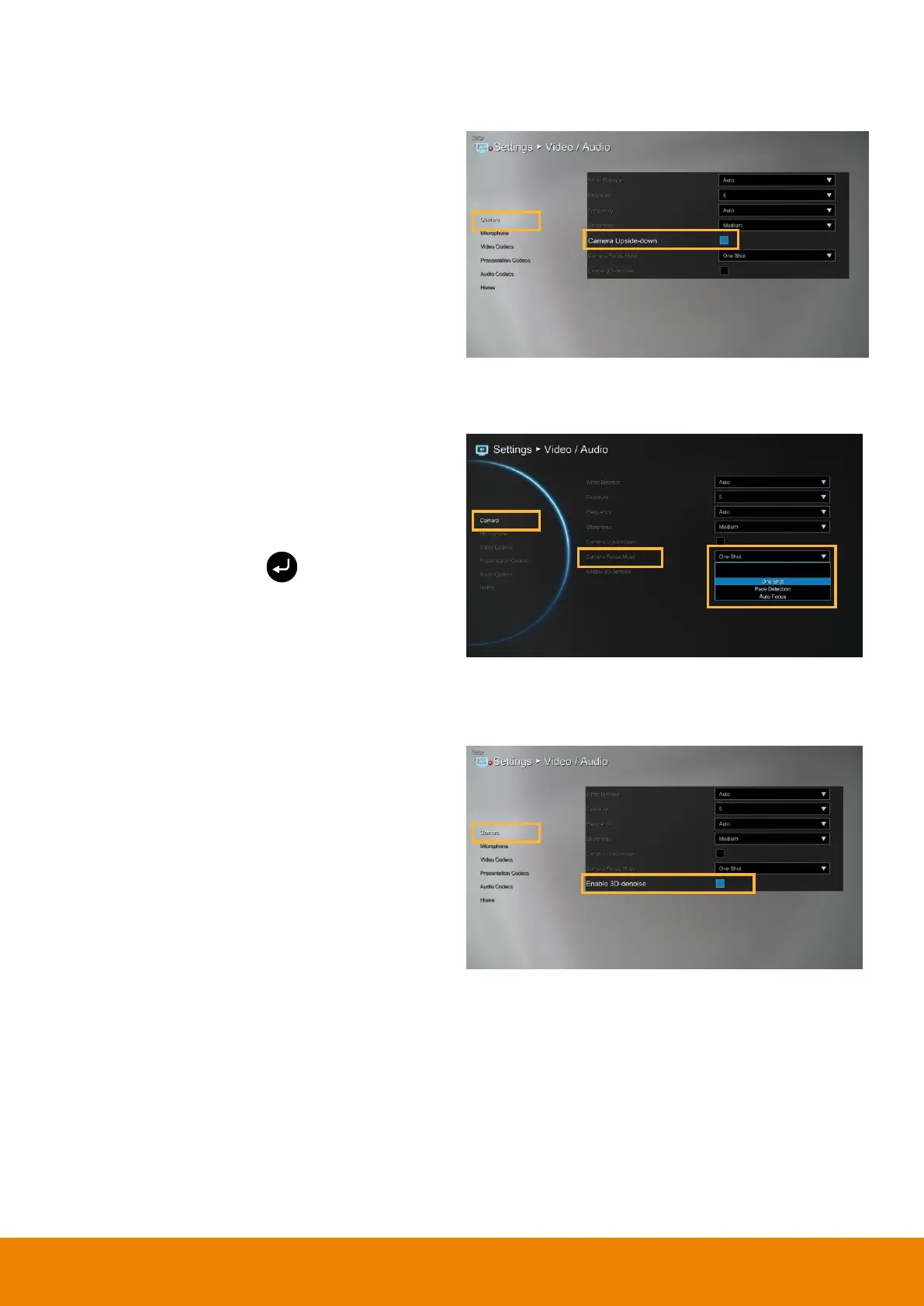
When camera is handed at up-side-down
position, enable Camera Upside-down to flip the
image view.
One Shot:
The camera only will do the focus
adjust at beginning..
Face Detection:
The camera will adjust focus
base on the face that is nearest to camera. The
camera only will do the focus adjust at
beginning. You can press button on remote
to re-force the camera to do the focus adjusting.
Auto Focus:
The camera will adjust focus
automatically.
Here allow you to enable 3D denoise function.
This function can improve image view in low light
environment. By default, the 3D denoise is
disabled.



 To Next Page