9
Step 2
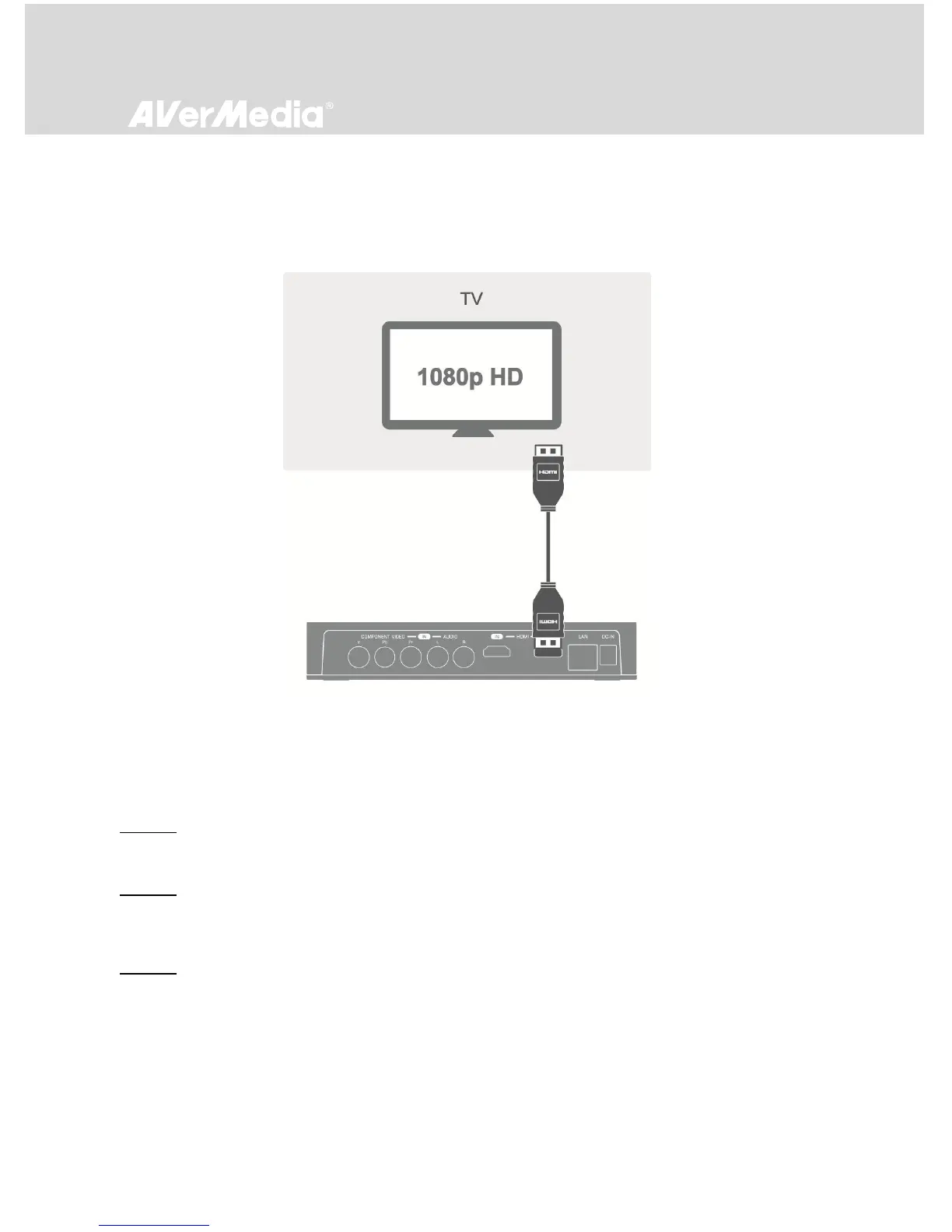
Connecting EzRecorder 310 to Your TV
Take another HDMI cable and connect one end to the HDMI OUT port on the rear of EzRecorder 310
and the other end to the HDMI IN port on your TV.
Step 3
Connecting IR Blaster Cable
Step 3-1:
Use a soft cloth to gently clean and remove any dust on the infrared (IR) sensor of your STB.
Step 3-2:
Connect the IR blaster cable to the IR BLASTER port on the rear of the device. Make sure you snap the
cable securely in place.
Step 3-3:
Peel off the sticker on the back of IR emitter and stick the IR emitter right to the STB IR sensor window.
To make sure it is properly attached, use your thumb to secure the emitter with a little pressure for at
least 3 seconds.



 To Next Page