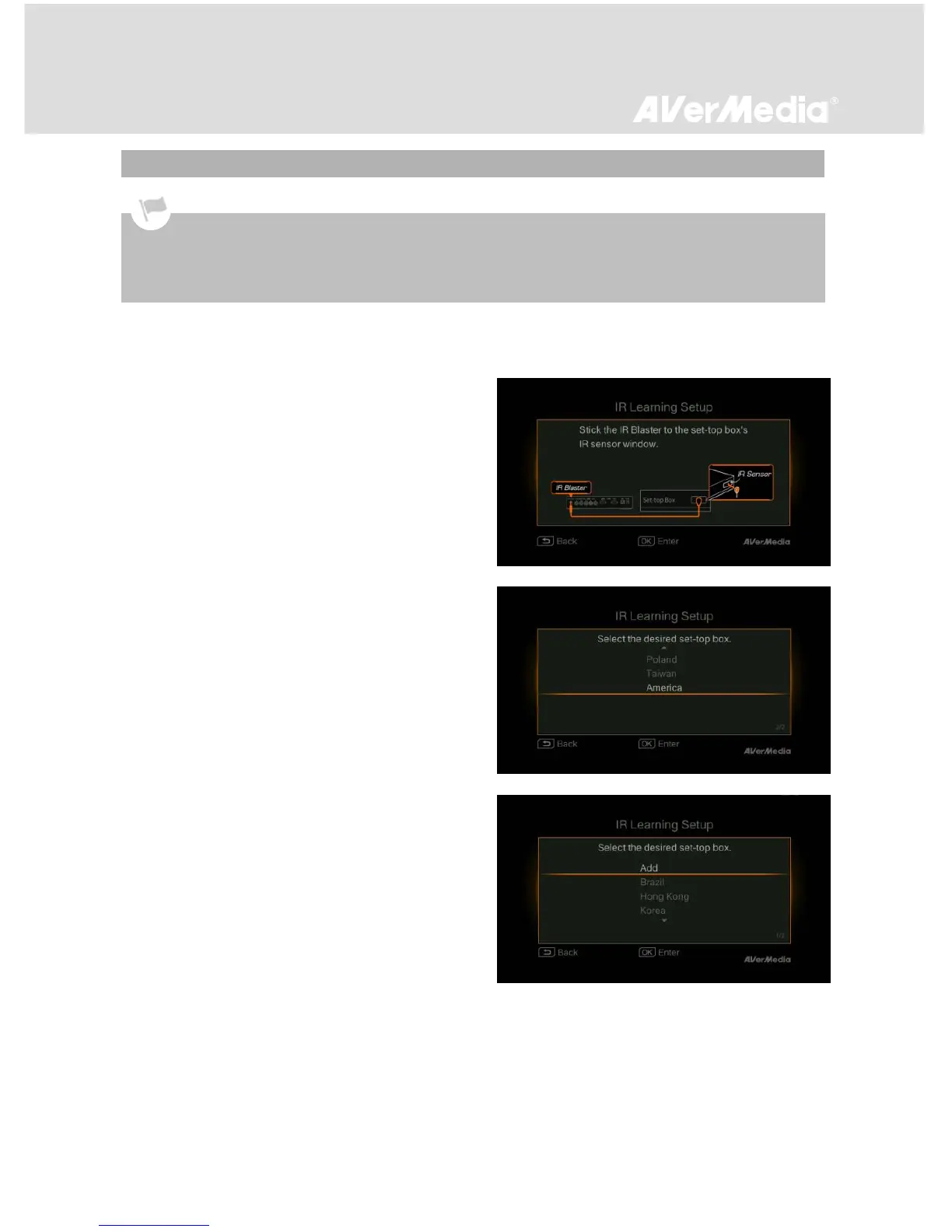
Go to Menu > Settings > IR Device. Make sure the
IR blaster cable is properly plugged in and press OK
to continue.
Select your region from the list and press OK to
confirm. Next, select a STB and press OK. Then skip
to Step 4.
or
If your STB is not on the list, Select “Add” and press
OK to start the IR Learning process (See Step 2 and
3 below).
IR Learning is a process that enables EzRecorder 310 to memorize infrared (IR) command sequence from
your STB remote control. Once you have the IR Learning completed, EzRecorder 310 can control your STB
for scheduled recording. (See Schedule List section on p.37 for details).
Before IR Learning, make sure you plug in the IR blaster cable and power on your STB.



 To Next Page