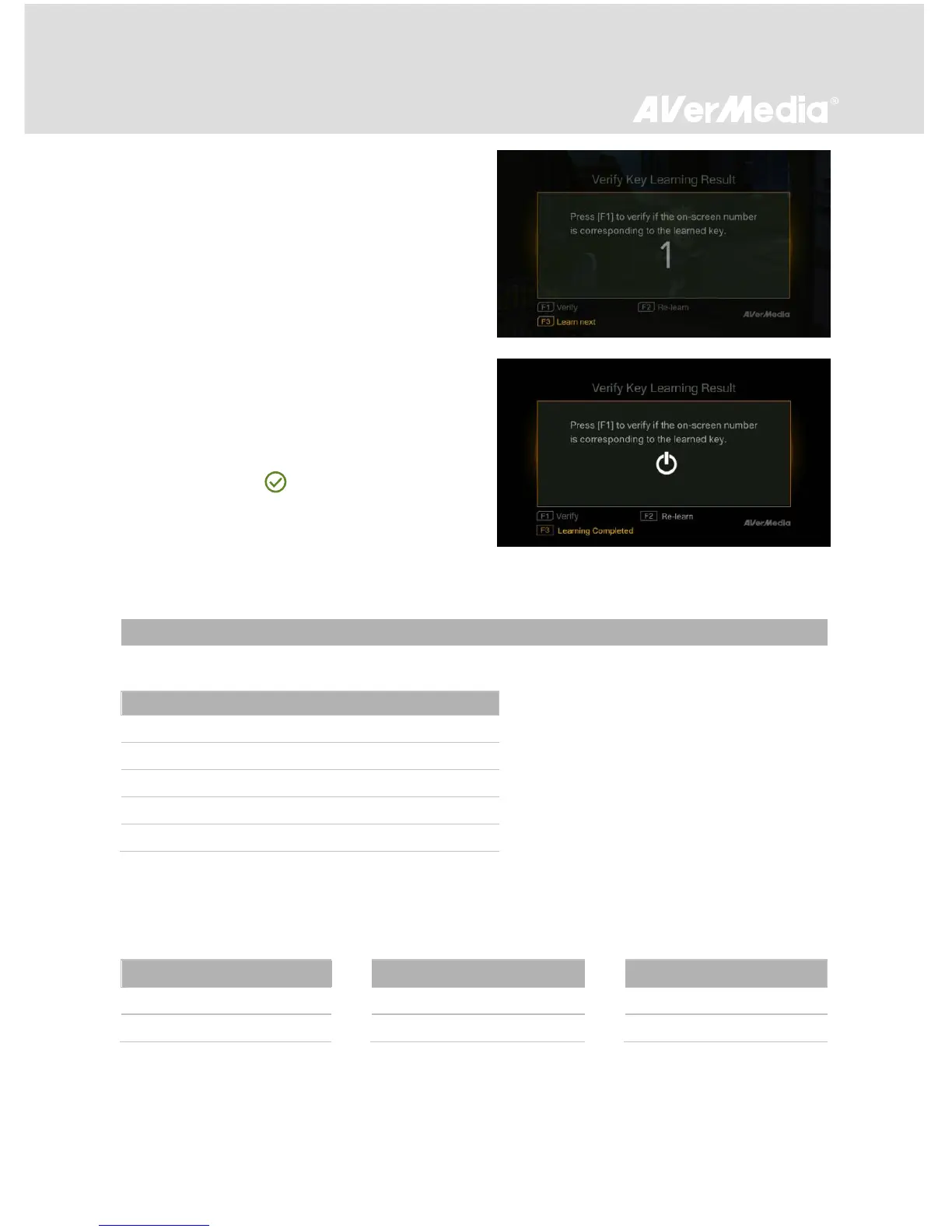
If the STB does not change the channel correctly,
press [F2] to re-learn a key.
*If your STB still fails to change channel accordingly, make
sure you enter a valid channel number.
When this step is complete, press [F3] to move on to
the next key.
Step 5
Repeat Step 3 and Step 4 until you complete all key
learning and verification.
*Skip unavailable keys on the remote control.
*The keys indicated with are verified ones.
After “Power” key is learned and verified, the STB will
power off. Restart the STB and press F3 to complete
the IR Learning process.
EzRecorder 310 records the exact display resolution under most circumstances. Exceptions can only
be found when the input resolution is set as 1080p:



 To Next Page