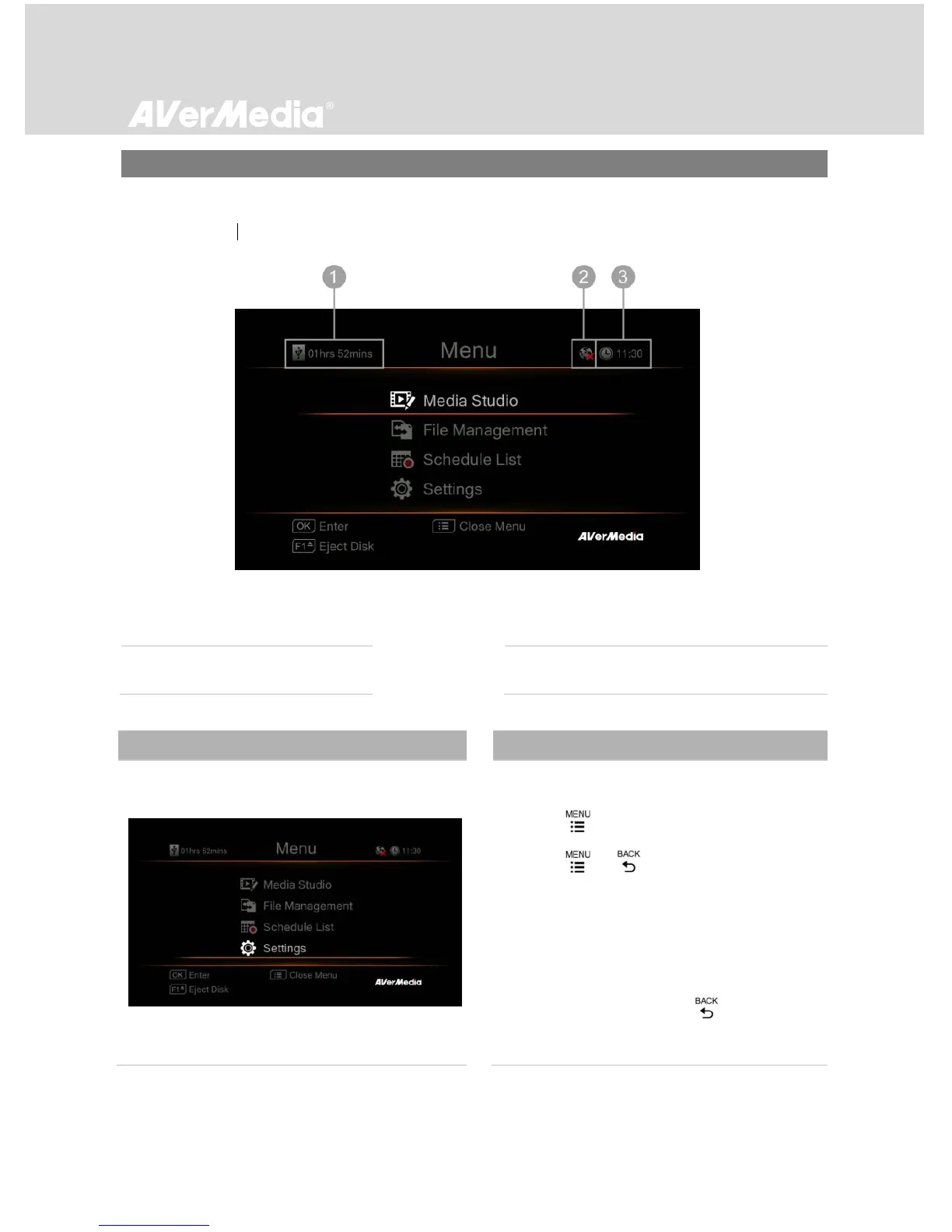
Under the menu, you can check and manage both your recorded videos, snapshots, and customize
your preferences.
Basic Operation
- Press to bring up the menu.
- Press or to exit the menu.
- Use ▲/▼ to make selection on the menu
and OK to enter a submenu.
- In the submenu, use ▲/▼ to make selection
and OK to confirm. Press to return to
the previous page.



 To Next Page