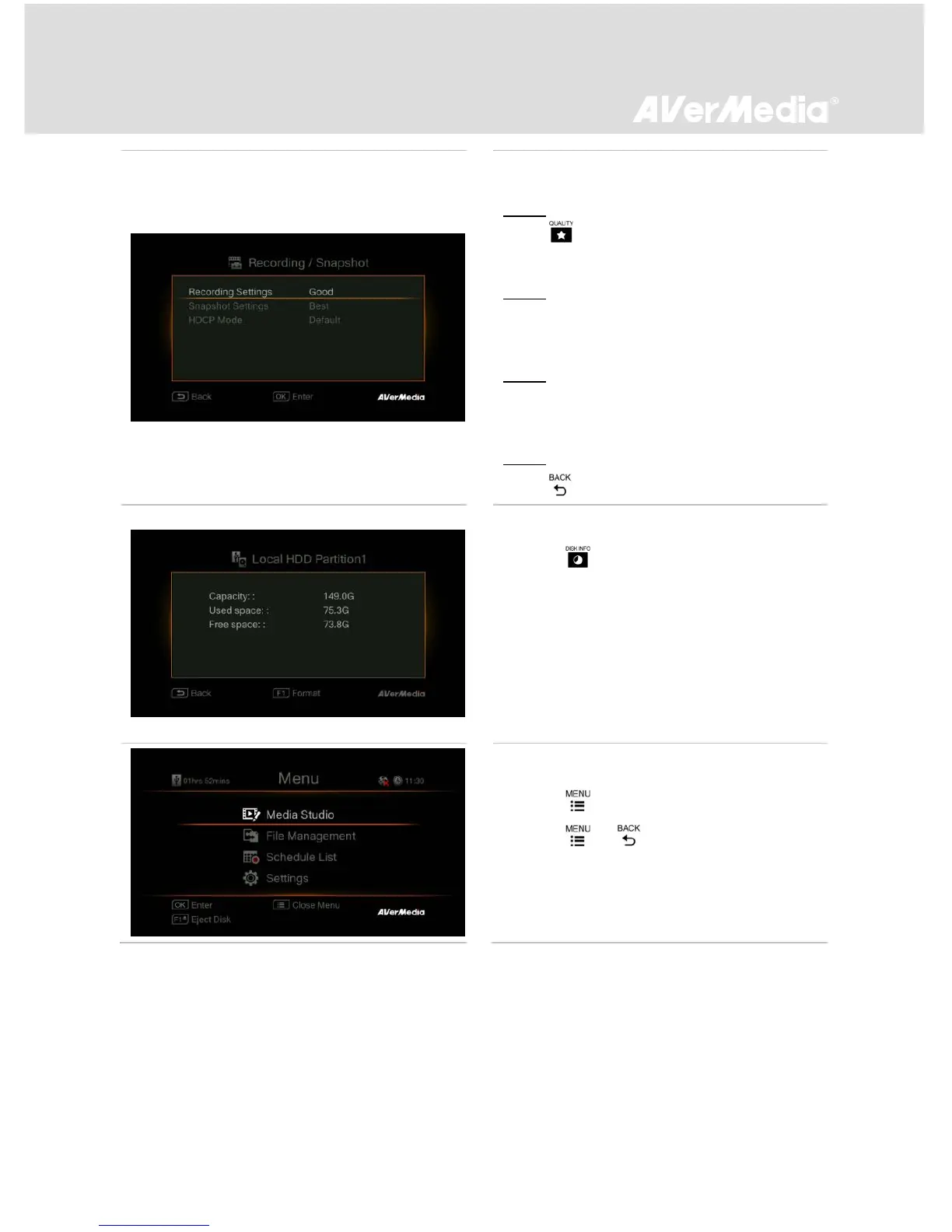
Recording / Snapshot Settings Adjustment
Step 1:
Press to display the Recording/Snapshot
Settings adjustment screen.
Step 2:
Use ▲/▼ to select “Recording Settings” or
“Snapshot Settings” and press OK.
Step 3:
Use ▲/▼ to select desired option and press
OK to confirm.
Step 4:
Press to exit.



 To Next Page