Instant Recording
Method 1:
Step 1:
- Press on the remote control.
Step 2:
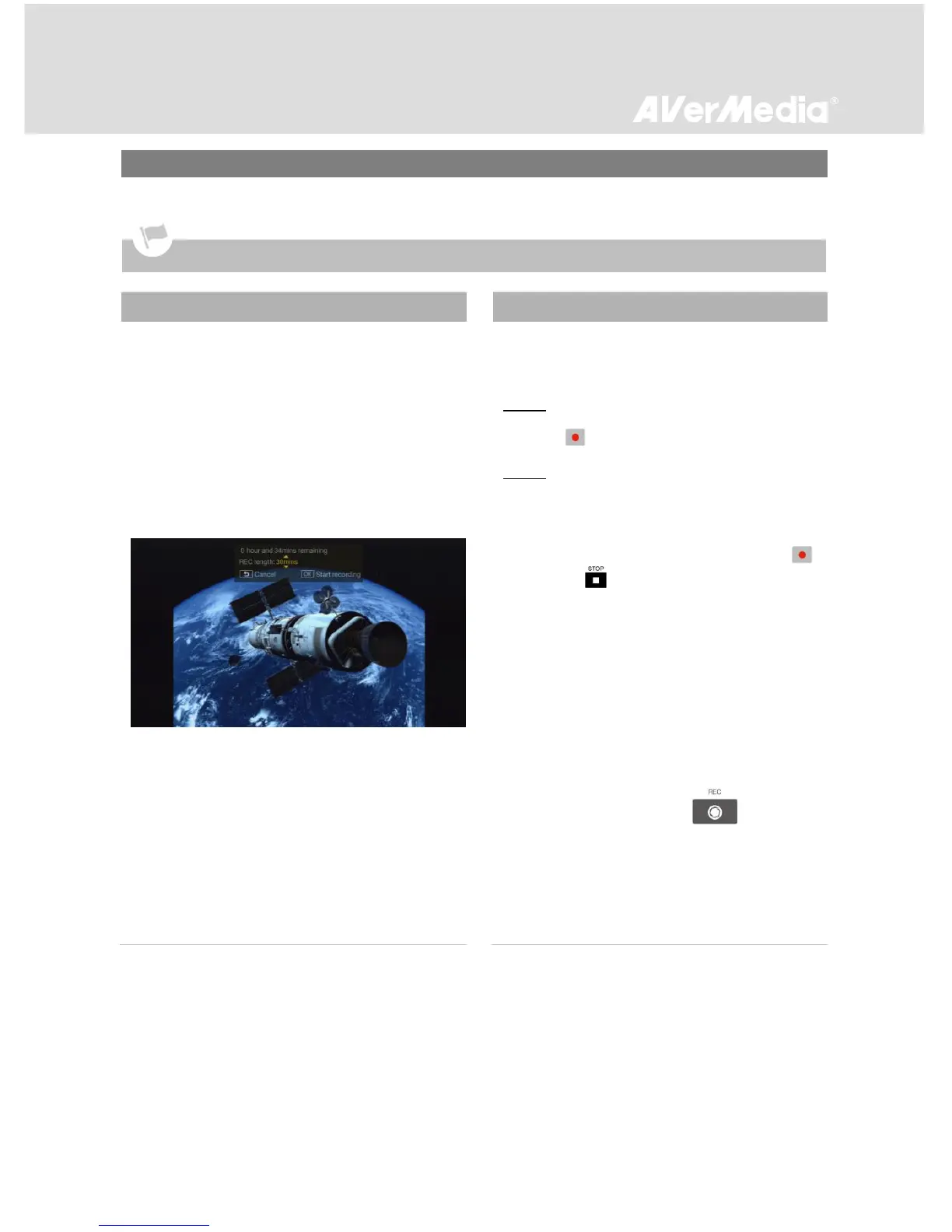
- Use ▲/▼ to select desired recording length.
Then press OK to activate instant recording.
To stop recording before finished, press
again or .
*If the instant recording task conflicts with a
scheduled task, a warning message will appear.
Choose “Keep task above” to continue with the
current instant recording until an incoming
scheduled task starts; choose “Skip task above” to
continue with current instant recording and skip the
scheduled task.
Method 2:
- Press the Record button ( )
on the
front panel of the unit.
*If you choose this way to activate an instant
recording, the current instant recording
immediately starts, but ends when an incoming
scheduled task starts.



 To Next Page