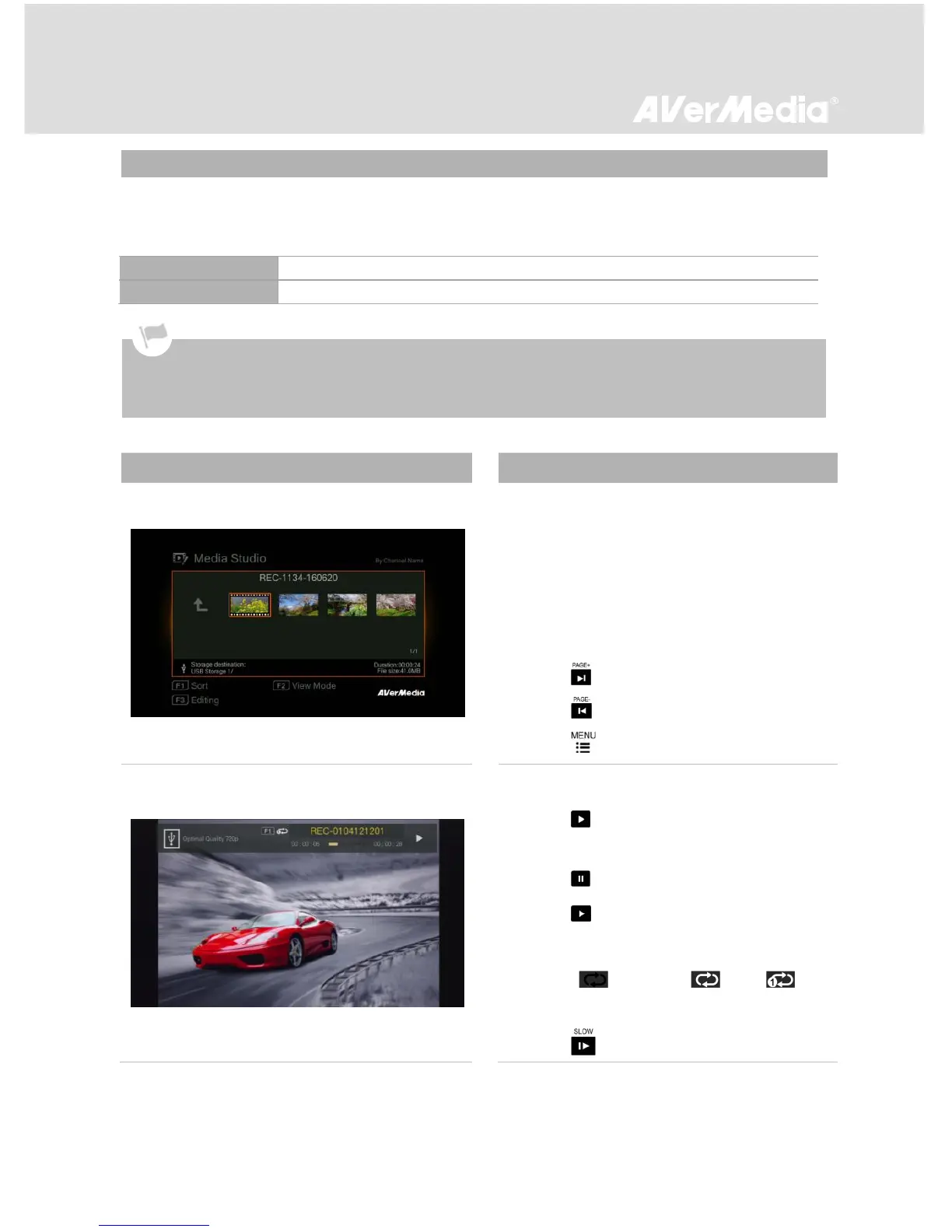
You can check both recordings and snapshots captured by EzRecorder 310 in “Media Studio”.
Capture Format:
MP4 (Codec: H.264 format with AAC audio)
Navigating
- Use the navigation keys ◄/►/▲/▼ to select
among items.
- Press F1 to sort the files by file name, file
size, or file format.
- Press F2 to switch between list mode and
thumbnail mode.
- Press to go to the next page.
- Press return to the previous page.
- Press to directly access the main menu.
Video Playback
- Press or OK to start playing the selected
video.
- Press or OK to pause the playback.
Press or OK to resume playback.
- Press F1 to toggle among different playback
modes ( No Repeat/ Loop/
Auto Rewind).
- Press to play the video in slow motion
It is recommended that you view only videos and snapshots that are recorded by EzRecorder 310. Attempt to
open files taken by other equipment (such as a camera) on EzRecorder 310 is very likely to fail.



 To Next Page