(1/2x).
- Press to rewind at 2x, 4x, 8x, 16x, 32x
speed.
- Press to fast forward at 2x, 4x, 8x, 16x,
32x speed.
- Press ◄ to skip backward 10 seconds.
- Press ► to skip forward 30 seconds.
- Press to play the file at normal (1x)
speed when slow motion, rewind, or
fast-forward is active.
- Press to stop the playback.
- Press to display the playback
information, including storage disk, recording
resolution, duration, elapsed and remaining
time, and file name.
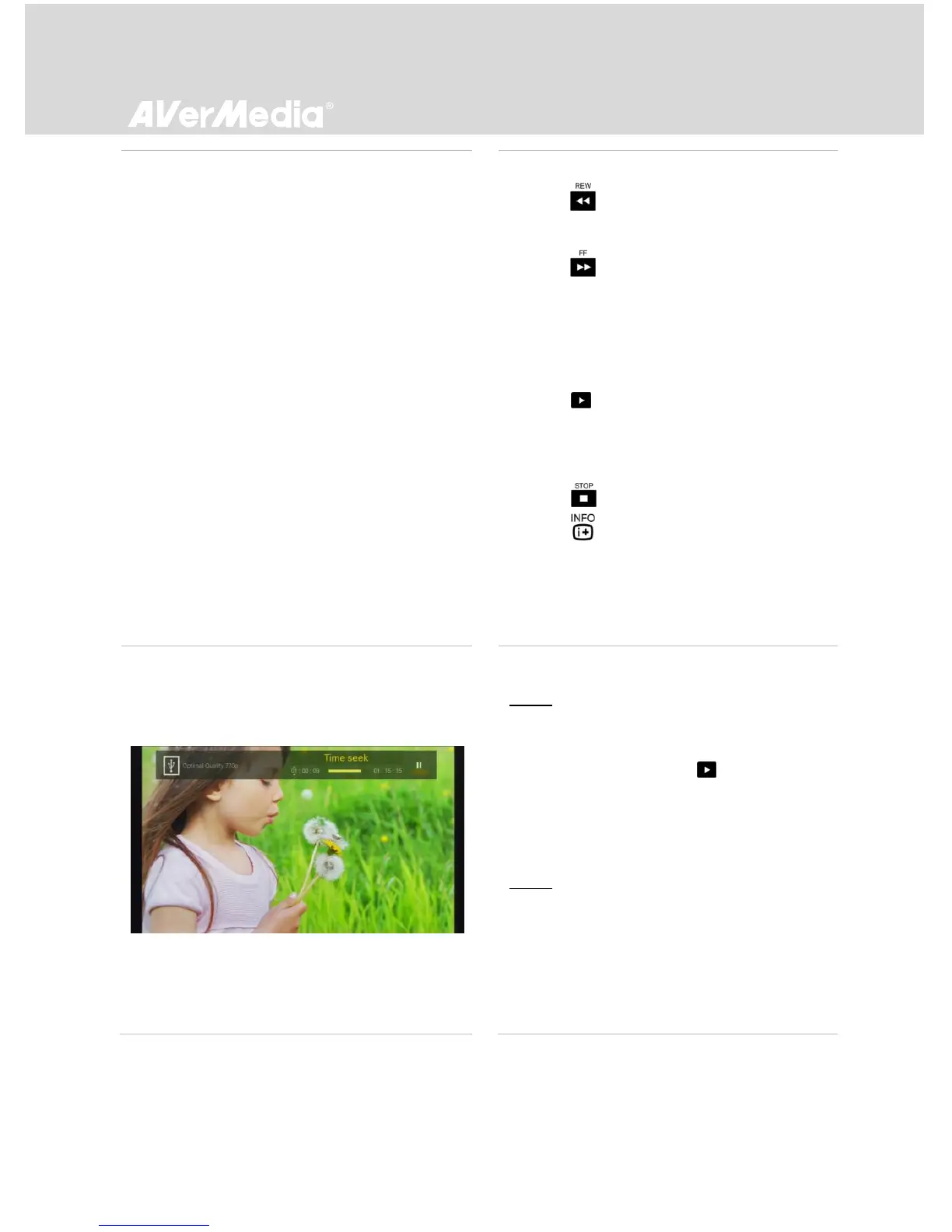
Time Seek During Video Playback
Step 1:
- Press ▲/▼ during playback to enter time
seek mode. Press OK or to exit time
seek mode and resume playback.
* This function allows you to jump to a particular
playback time while playing recorded video.
Step 2:
- Use ◄/► to move among options and ▲/▼
to adjust the value. Press OK to go to the
specified time and resume playback.



 To Next Page