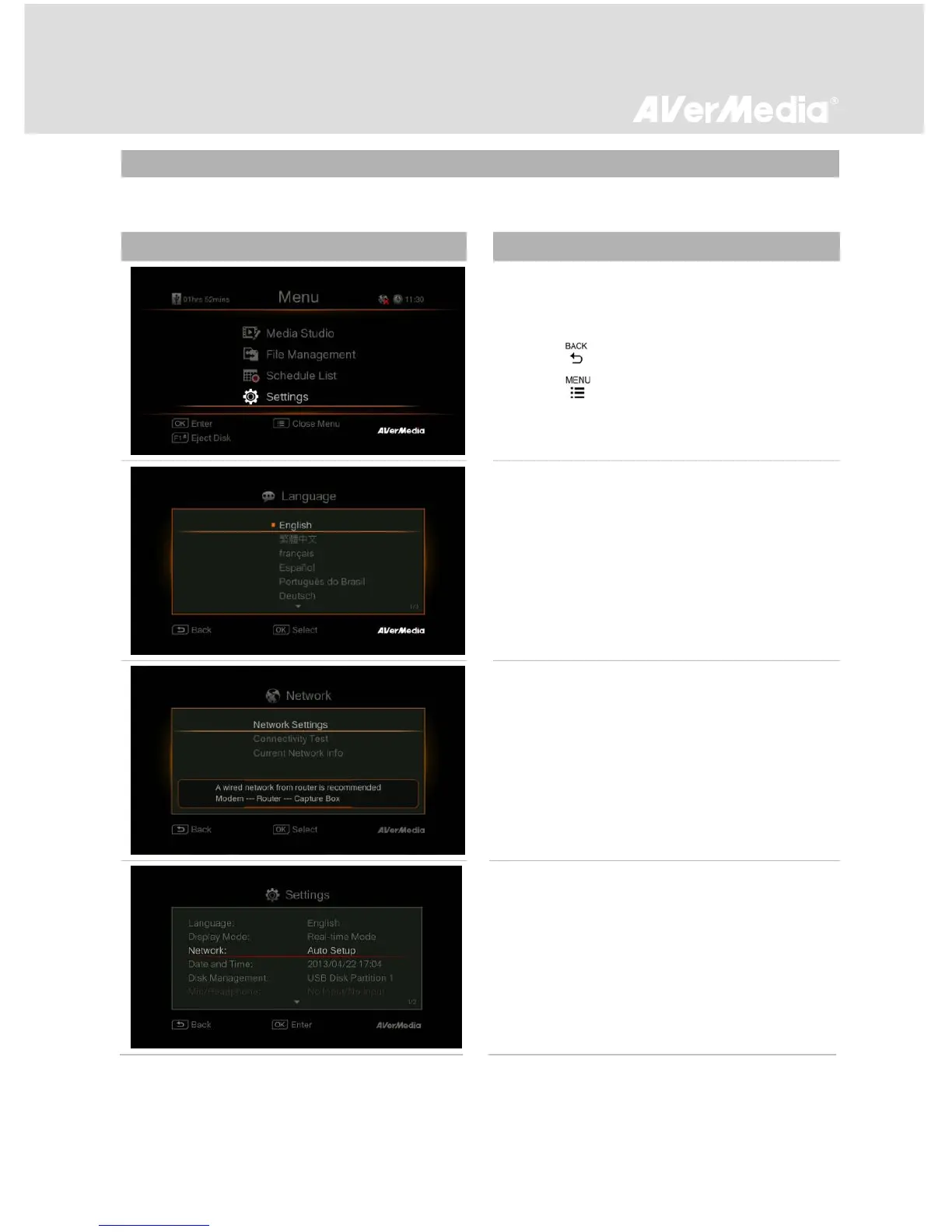
You can customize your preferences in “Settings”.
Basic Operation
- Use ▲/▼ to select a preferred category. Press
OK to make a selection.
- Press to return to the previous page.
- Press to directly access the main menu.
- Press F1 to safely remove the storage device.
Language
Use ▲/▼ to select your preferred language.
Press OK to confirm.
Network Settings
Use ▲/▼ to move among options. Press OK to
confirm. Before setup, please make sure the
Ethernet cable is well connected.
Auto Setup (Recommended):
It is recommended to use Auto Setup to
automatically obtain IP and DNS addresses.



 To Next Page