Step 2:
- Use ▲/▼to select among schedule items.
- Press to go to the next page.
- Press return to the previous page.
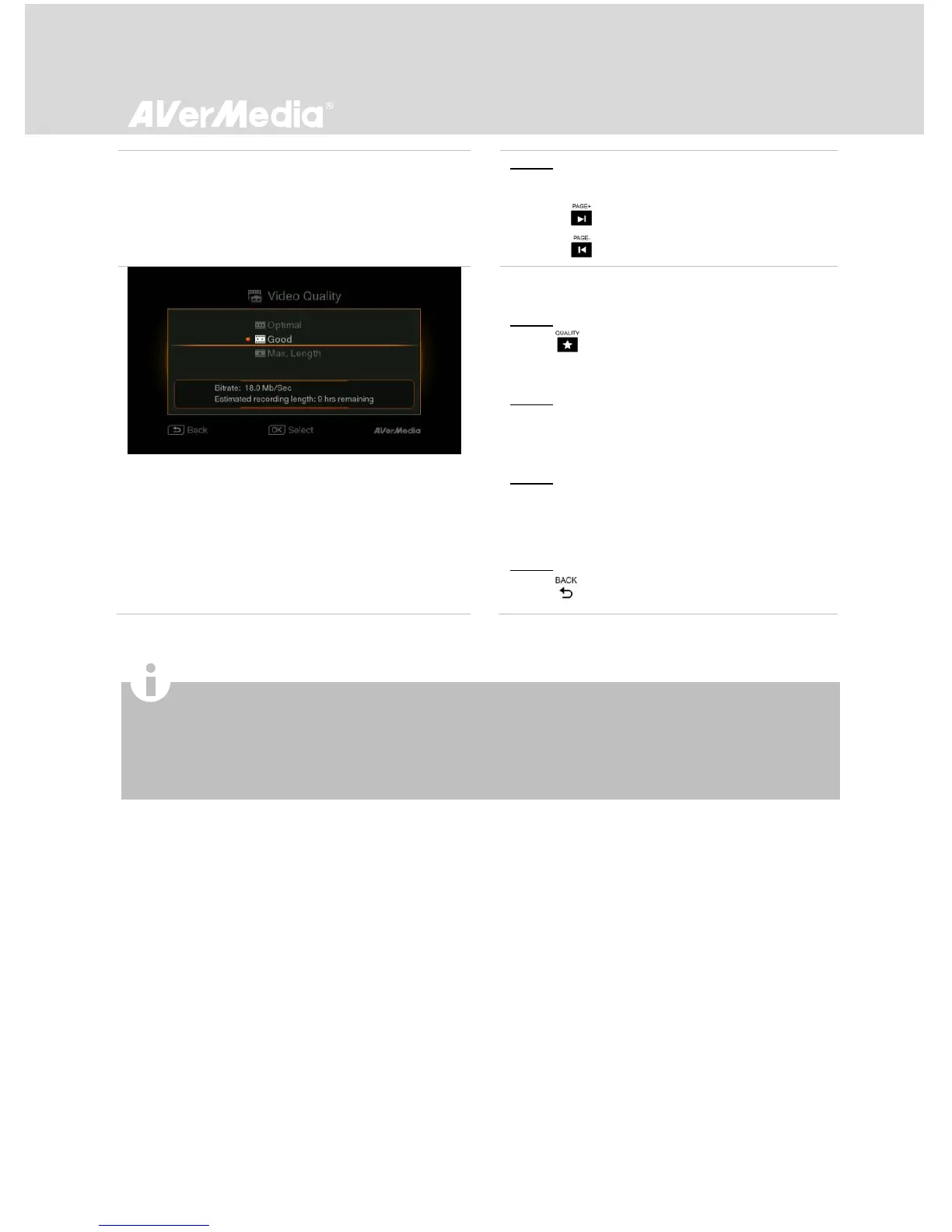
Video Quality Adjustment
Step 1:
Press to display the Recording/Snapshot
Settings screen.
Step 2:
Use ▲/▼ to select “Video Quality” and press
OK.
Step 3:
Use ▲/▼ to select desired option and press OK
to confirm.
Step 4:
Press to exit.
To automatically power on EzRecorder 310 after you power on your STB, enable the auto-power on function via
Menu > Settings > Power Management.
If you manually add a new STB via IR Device and your STB fails to wake up before a scheduled task starts, go to
Menu > Settings > IR Device > STB Wake-up Time and make sure that the wake-up time is set to 5 minutes.
To watch the recorded programs, go to Menu > Media Studio.



 To Next Page