40
Scheduled Task Status:
The status icon indicates the current state of scheduled task.
Task Completed
Recording task(s) is/are successfully completed
Task Failed
Recording task(s) is/are failed
*Please checkthe followings:
- The recording information is correct
- The disk space is sufficient
- The signal is not lost
Task Unfinished
Recording task(s) is/are not finished due to interruptions. The recorded
clip(s) is not complete
*Please checkthe followings:
- The recording information is correct
- The disk space is sufficient
- The signal is not lost during recording
Series Recording
Series recording tasks
Upcoming Task
Task that is on the queue
*Failed or unfinished tasks are marked with . Select the schedule and press OK on the remote
control to see more information.
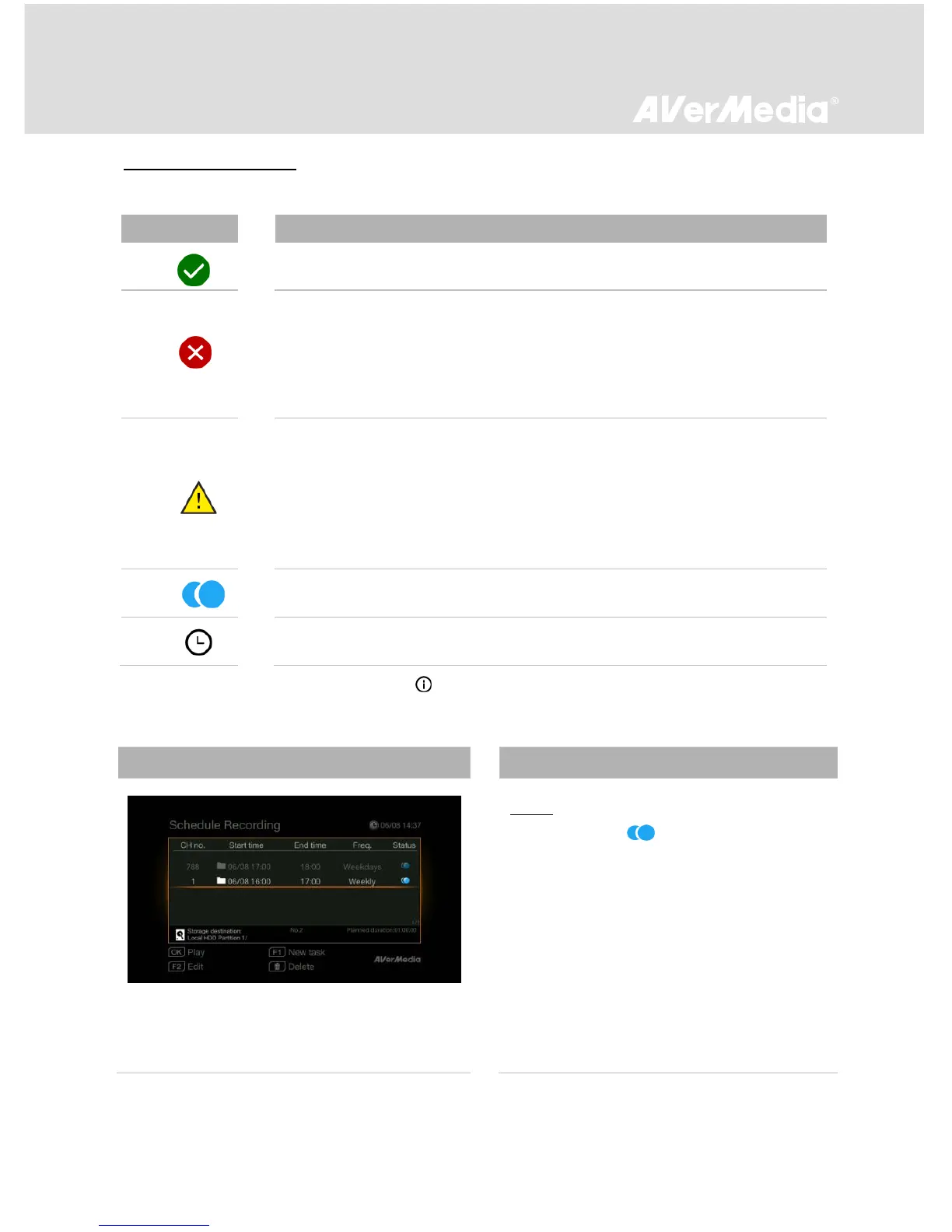
Series Recording
Step 1:
- Schedule with on “Status” column
indicates series recording (Daily / Weekly /
Weekdays / Weekends).
- Use ▲/▼ to select a series recording
schedule from the list. Then press OK to
check the series recording schedule list.



 To Next Page