or "1".
If “.” (decimal point) is learned in IR Learning
process, you can enter up to four decimal places.
For example, to enter channel "98.7693", enter
"98.7693-" or "098.7693". To enter channel
"21.1", enter "21.1----" or "000021.1".
Press OK to confirm.
Step 3:
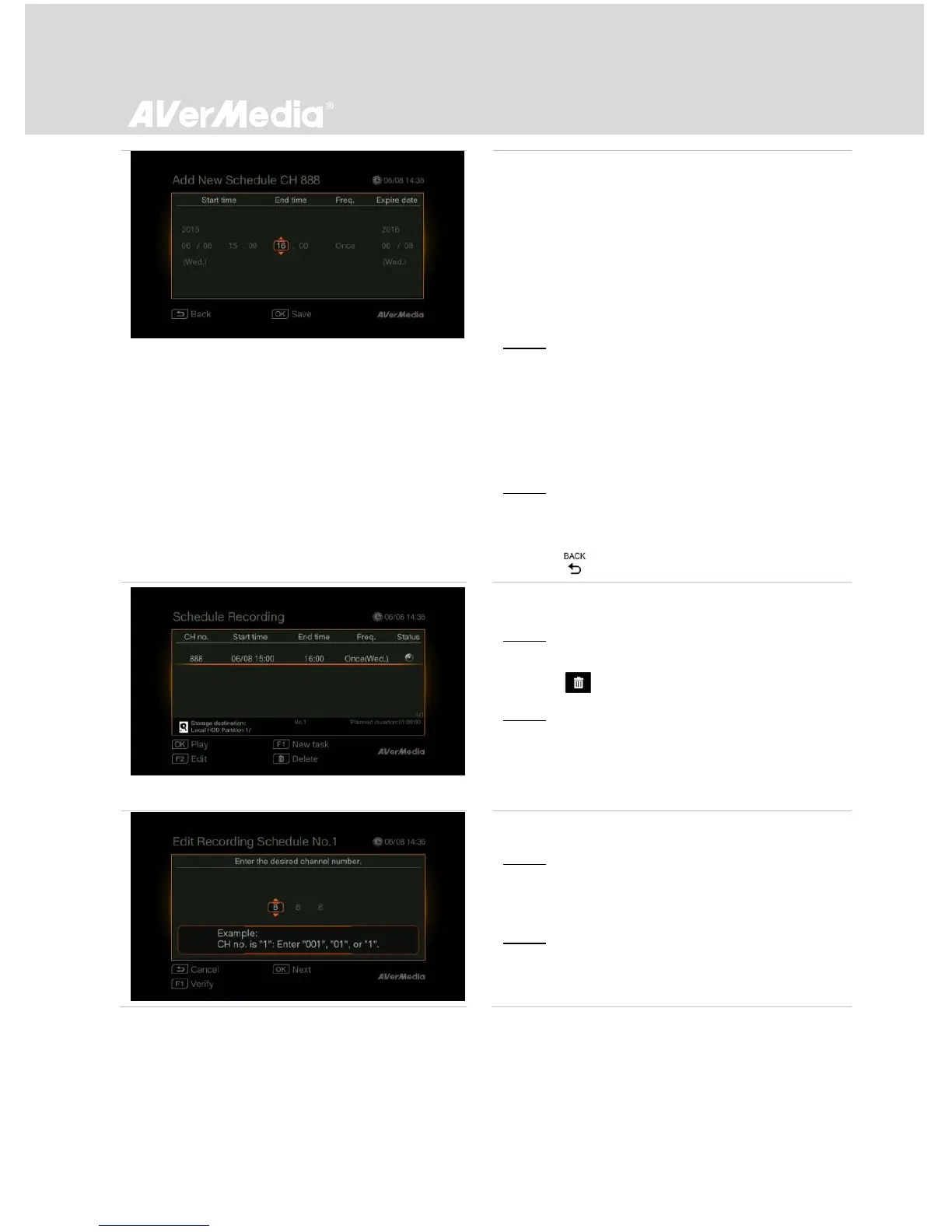
- Use ◄/► to move among options and ▲/▼ to
set start date and time, end time, frequency, and
expire date.
* A scheduled series recording task is valid for three
months by default.
Step 4:
- Press OK to save setting and exit.
or
Press to abort this operation.
Deleting a Schedule
Step 1:
- Use ▲/▼ to select a schedule from the list.
Press .
Step 2:
- Press OK to delete the selected schedule.
or
Press F1 to delete all the complete scheduled
tasks from the list.
Editing a Schedule
Step 1:
- Use ▲/▼ to select a preset schedule from the
list.
Step 2:
- Press F2 to edit an existing schedule.
* Only incoming schedule can be edited.



 To Next Page