EasyManua.ls Logo

Avermedia EzRecorder 310 - Post-Edit Recorded Videos

Avermedia EzRecorder 310
56 pages
Print Icon
To Next Page IconTo Next Page
To Previous Page IconTo Previous Page
Loading...
31
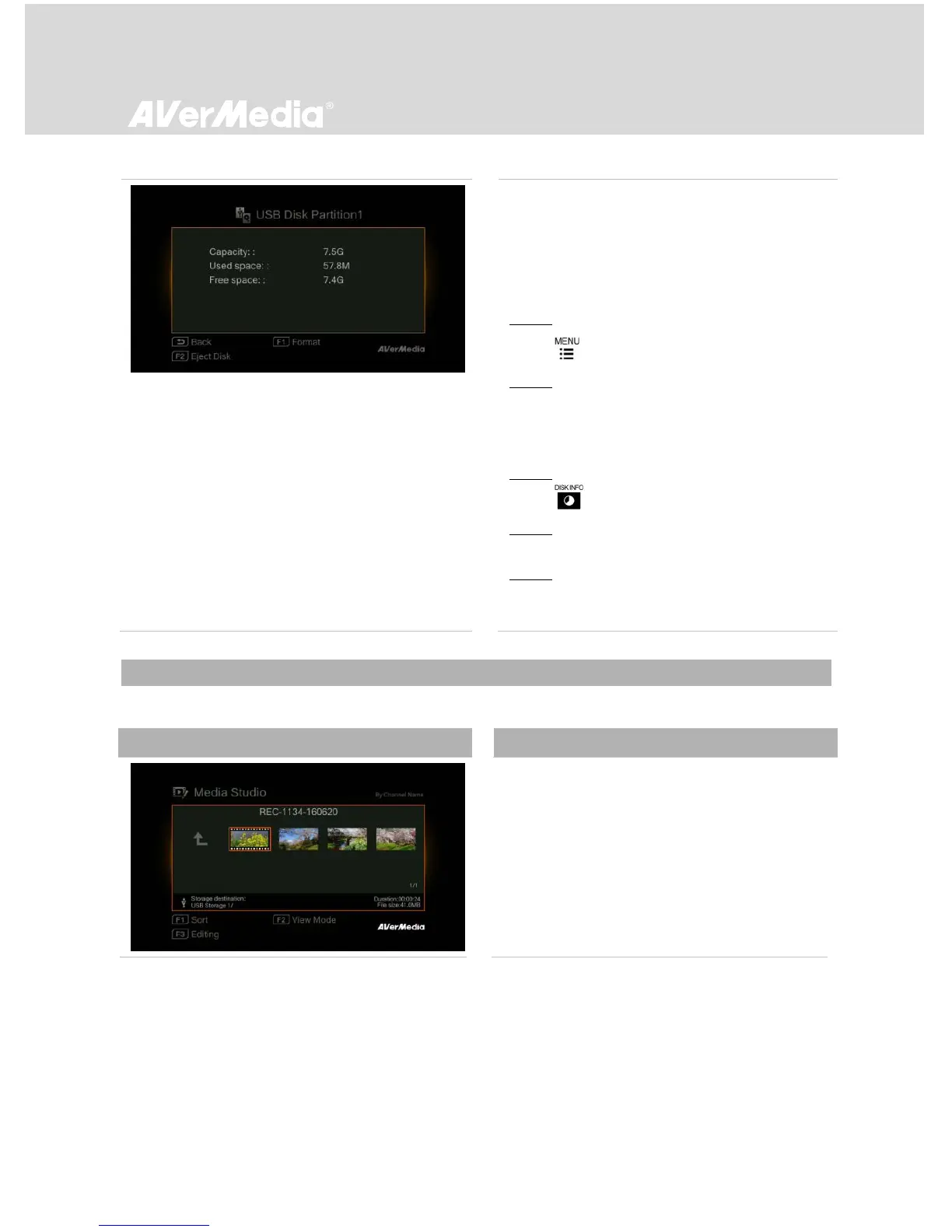
USB Storage Device Removal
In order to avoid data loss, it is highly
recommended to safely remove your external
storage device. Please follow the steps below:
Method 1:
Step 1:
Press to bring up the menu.
Step 2:
Press F1 to remove it.
Method 2:
Step 1:
Press on the remote control.
Step 2:
Select the partition.
Step 3:
Press F2 to remove it.

6.1.1 Post-Edit Recorded Videos
This section shows you how to cut and merge recorded videos by EzRecorder 310.
OSD Menu
Descriptions
Select a Video
- Select the file you would like to edit by using
the navigation keys ///.