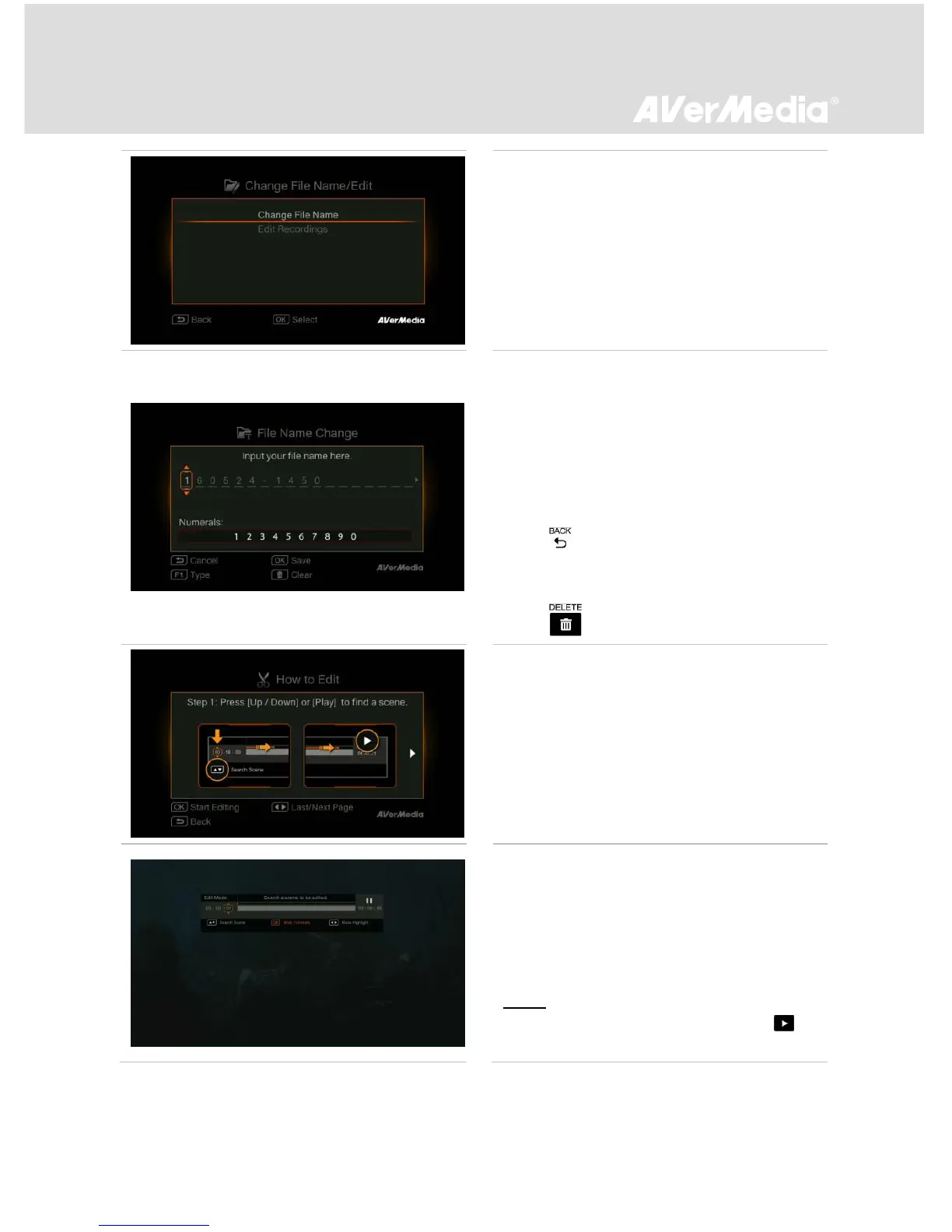
Edit
Press F3 to edit the selected video.
Change File Name
Input your file name by using the navigation
keys ▲/▼ to select characters, numerals or
symbols. Use the navigations keys ◄/► to go
to the next/ last character.
Press F1 to switch between characters,
numerals and symbols.
- Press to go back to cancel the change you
made.
- Press OK to save the edited file name.
- Press to clear all.
How to Edit
An instruction on how to edit a video will be
displayed, press OK to start editing.
Edit Mode
You can cut and recombine your selected video
in Edit Mode.
- To cut the video, you will need to create one or
more segments within the video.
- Step 1:
- To locate a scene, use direction keys or to
search the scene.



 To Next Page