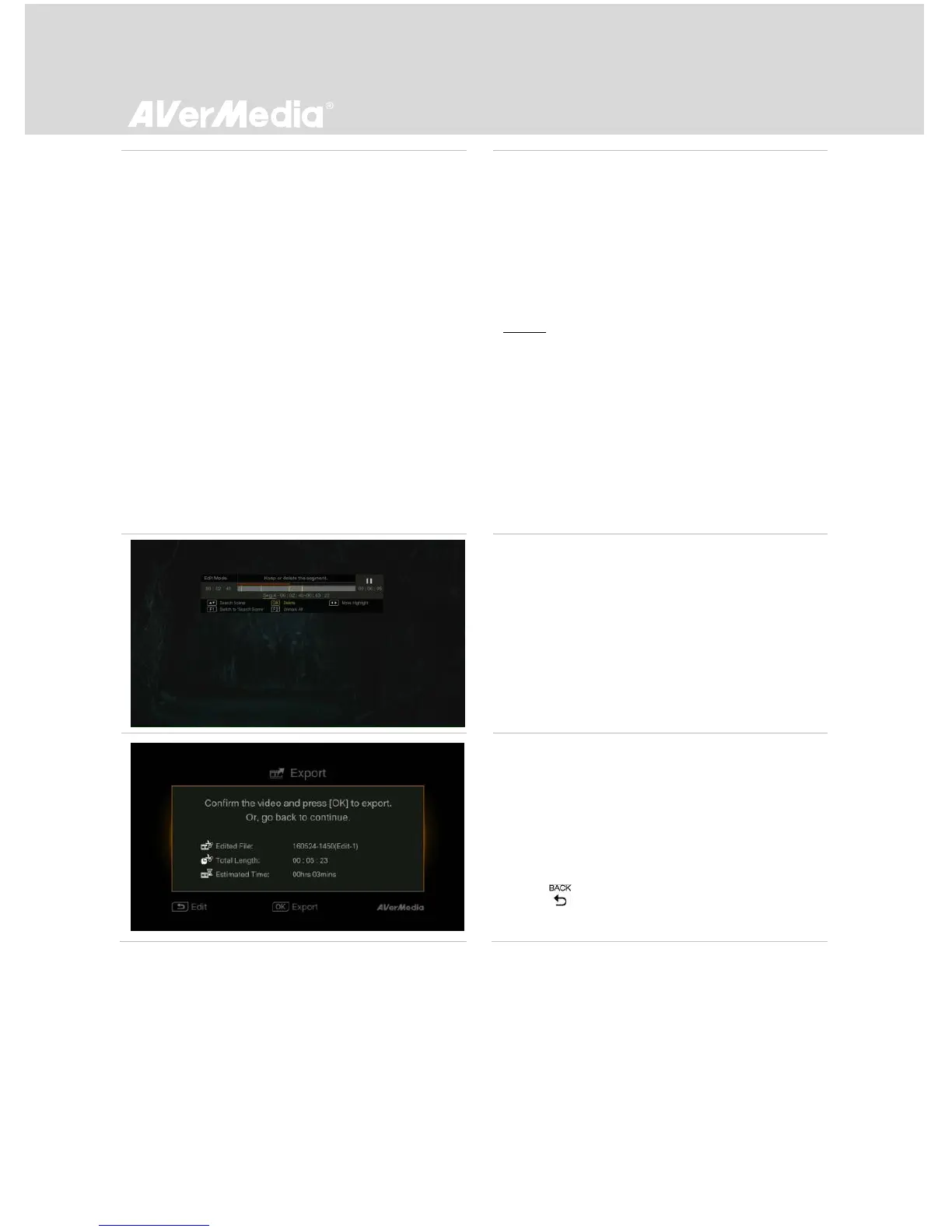
You can also use navigation keys ▲/▼ to
search scene by specific hour, minute, and
second on the left hand side of the screen.
- Press OK to mark or unmark the scene.
-
Step 2:
Repeat Step 1 so as to create a segment.
Press OK to keep or delete the segment.
Press F1 to switch between Search Scene and
Segment search.
Press F2 to clear all marks you made on the
video.
Press F3 to export the video.
Export
- The estimated time varies by different storage
disks. Refer export time to the actual use of
your storage disk.
- Press OK to export the video.
- Press to continue editing.



 To Next Page