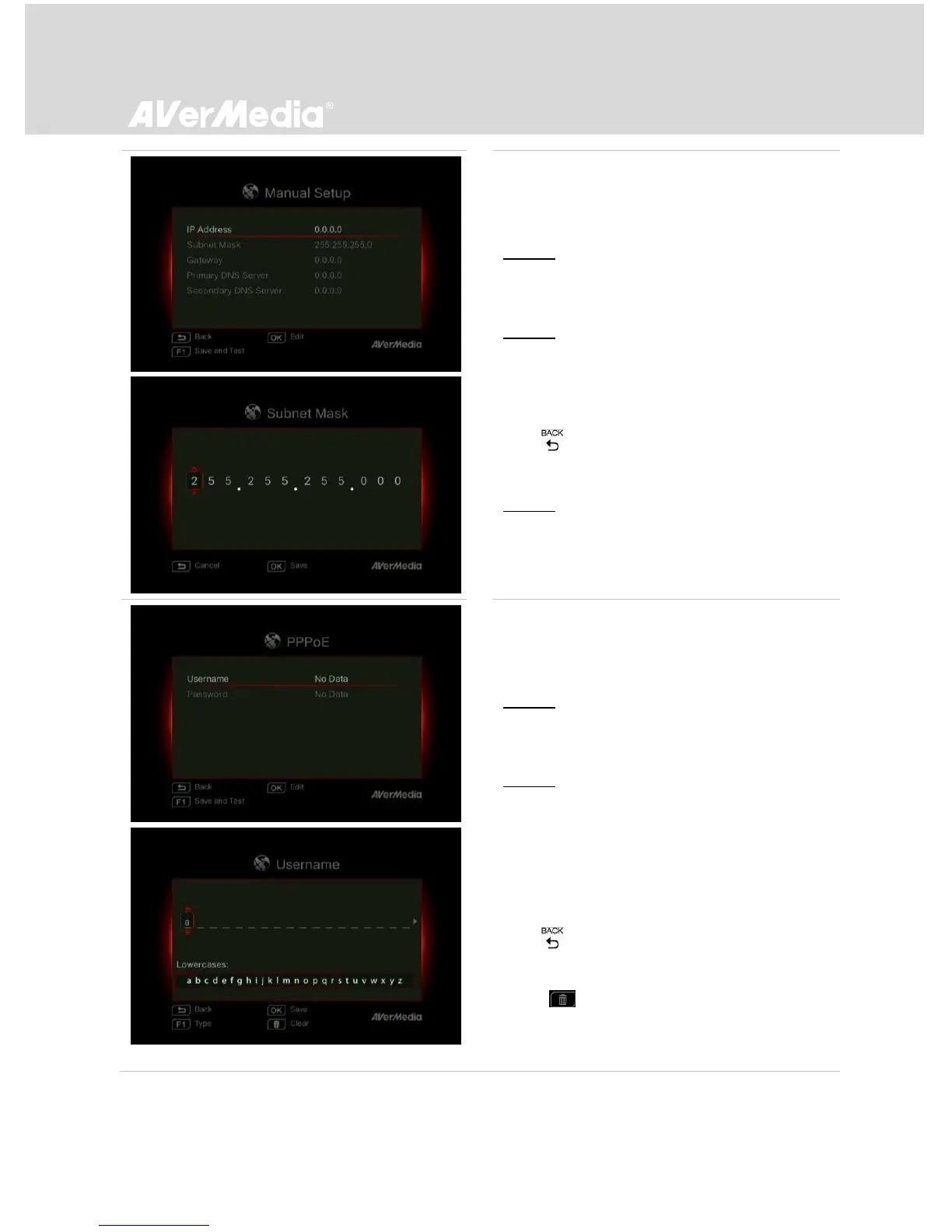
Manual Setup:
Use Manual Setup to manually configure IP and
DNS addresses.
STEP 1:
Use ▲/▼ to select an item for configuration.
Press OK to confirm.
STEP 2:
Use ◄/► to move among options and ▲/▼ to
select a number. Press OK to confirm.
Press OK to save the setting.
- Press to cancel and return to the previous
page.
STEP 3:
Press F1 to save the settings and test the
network connectivity.
PPPoE :
Use username and password provided by ISP for
connection.
STEP 1:
Use ▲/▼ to select an item for configuration.
Press OK to confirm.
STEP 2:
Use ◄/► to move among options and ▲/▼ to
select a character.
Press F1 to switch among capital letters, lower
cases, numbers, or signs.
Press OK to save the setting.
- Press to cancel and return to the previous
page.
Press to delete selected characters and the
character to the right.



 To Next Page