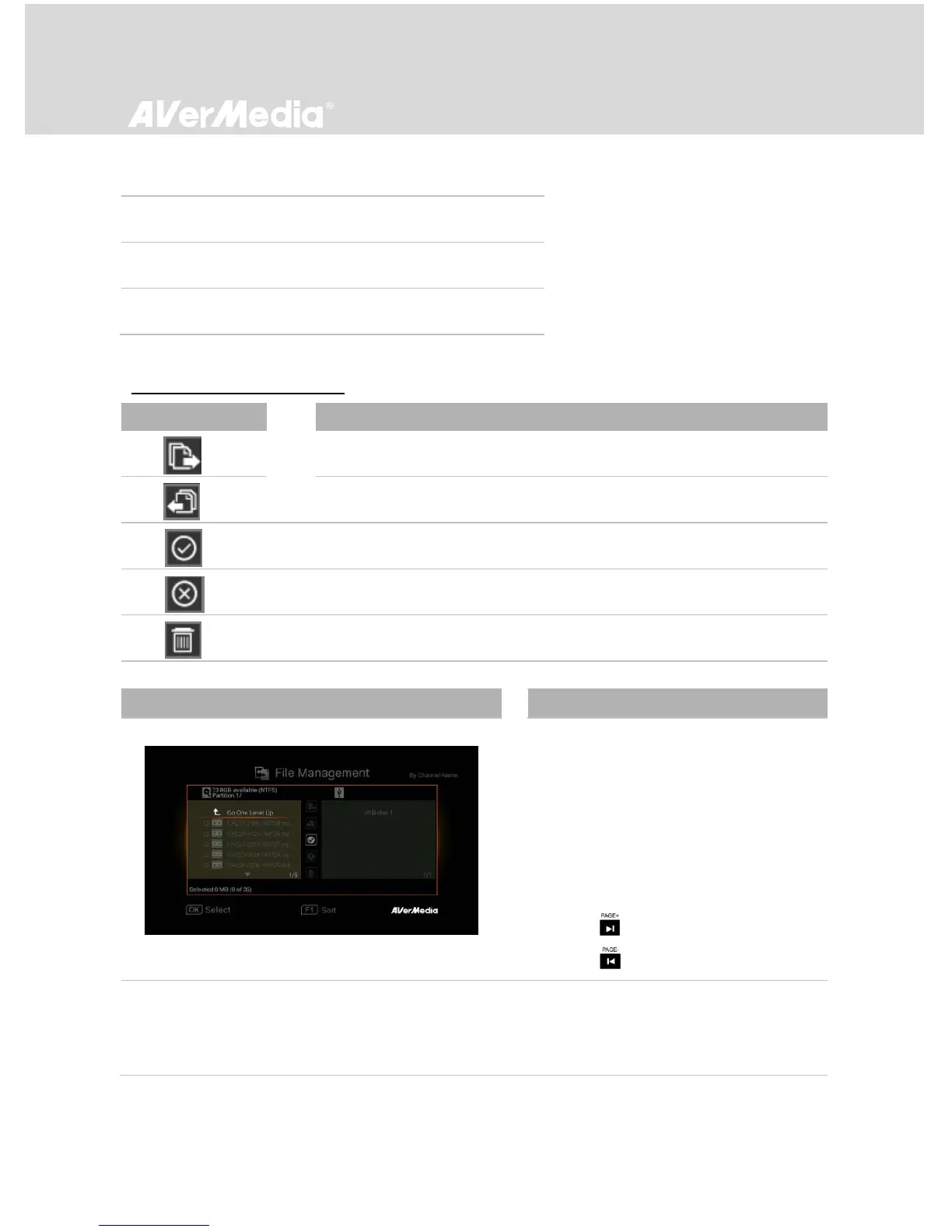
Navigating
- Use ▲/▼ to select and OK to enter the
folder in which you save the recordings
and snapshots.
- Use ▲/▼ to select “Return” and press
OK to go one level up.
- Press F1 to sort the files by file name,
file size, or file type.
- Press to go to the next page.
- Press return to the previous page.



 To Next Page