Mbox Pro Setup Guide16
Connecting a Microphone
Mic Cables and Connectors
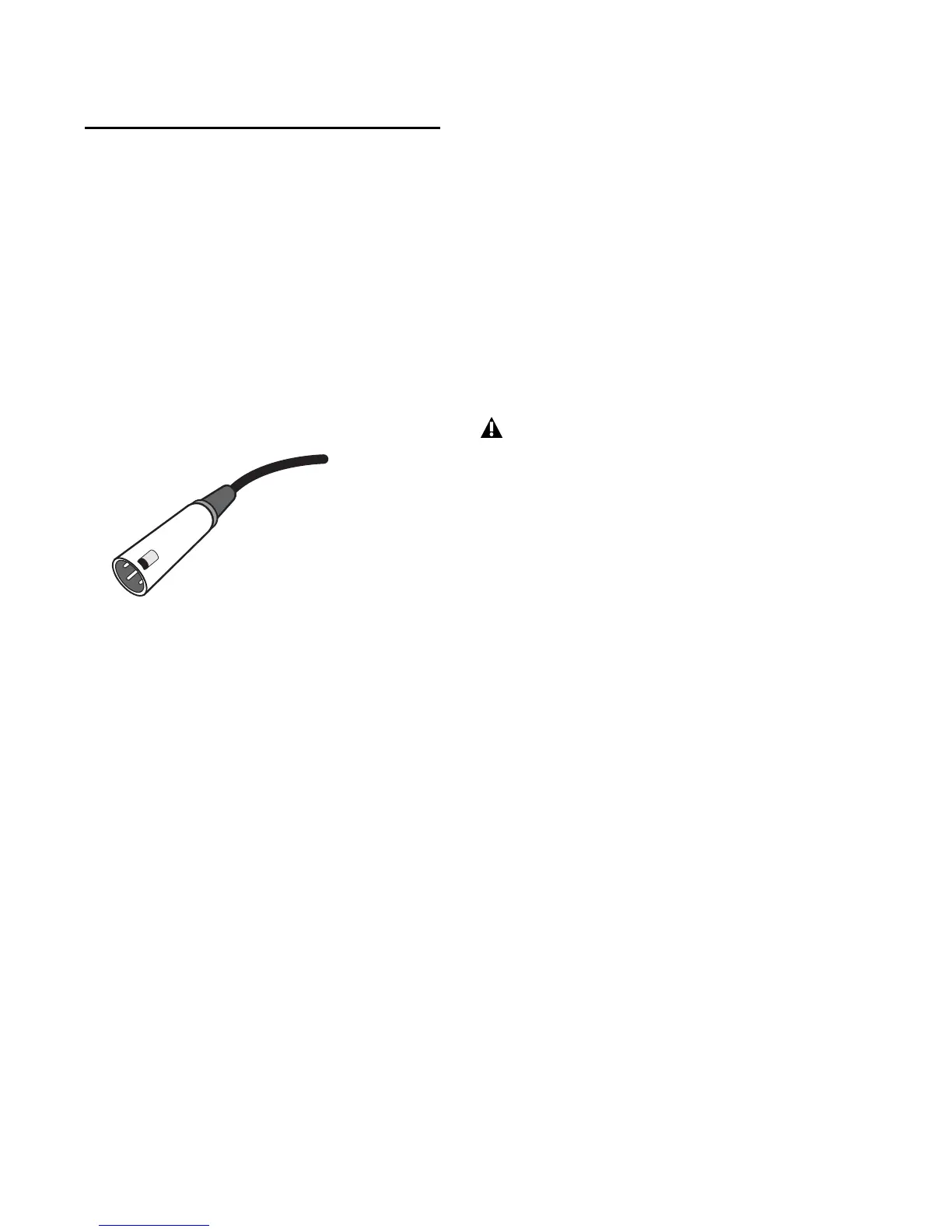
Use a microphone with an XLR connector to
connect the microphone to the Mbox Pro.
The Mbox Pro can only supply phantom power
through a microphone cable with an XLR con-
nector. If you are not sure about the phantom
power requirements for your microphone, refer
to your microphone’s documentation or con-
tact the manufacturer.
Phantom Power (48V)
Some microphones require power to operate.
This power, called phantom power, is supplied ei-
ther by a battery in the microphone, or through
an audio interface (such as Mbox Pro) that can
supply power through the microphone cable.
Most condenser microphones (such as an
M-Audio Solaris) require phantom power to op-
erate. Dynamic microphones (such as a Shure
SM57 or an M-Audio Aries) do not require phan-
tom power to operate, but are not harmed by it.
The Mbox Pro can only supply phantom power
through a microphone cable with XLR connec-
tors. If you are not sure about the phantom
power requirements for your microphone, refer
to your microphone’s documentation or con-
tact the manufacturer.
XLR connector
Phantom power can be used safely with
most microphones. However, it is possible
to damage ribbon microphones with it. Al-
ways turn off phantom power and wait at
least ten seconds before connecting a ribbon
microphone.











 To Next Page