Chapter 3: Track and Session Basics 13
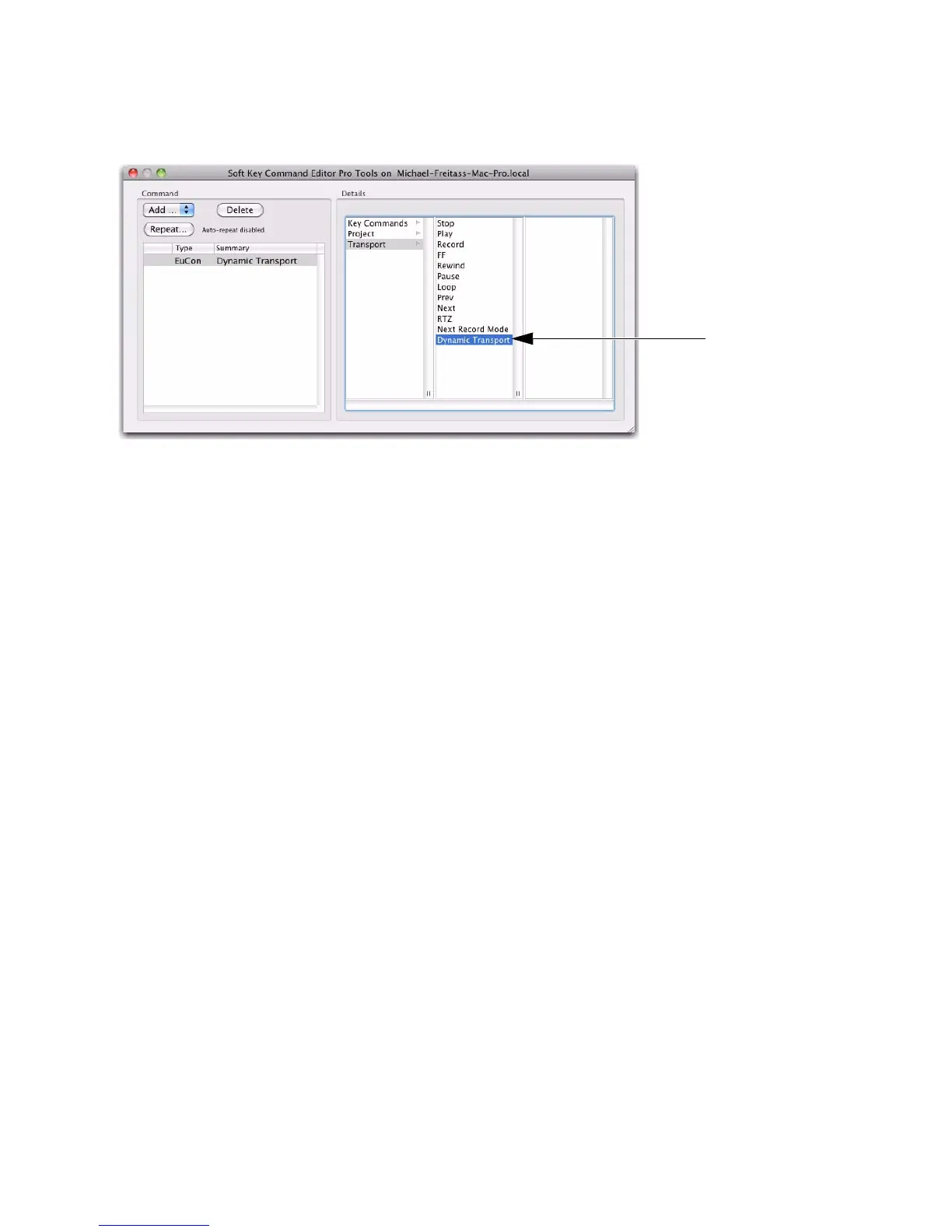
9 Click to select Dynamic Transport. The Command List updates to show the new assignment.
10 Close the Soft Key Command Editor and return to the EuControl Settings window. Soft Key 5 now
shows Dynamic Transport for its assignment.
11 Repeat for any other controls on any other units in your system.
A Transport function assigned in the Soft Key Command Editor













 To Next Page