Artist Series and Pro Tools42
Making Sends Inactive/Active on MC Mix
To toggle a send between active and inactive:
1 Bank to and select the desired track.
2 Press the AUX key.
3 Use the < PAGE and PAGE > keys to navigate the display until the desired send is shown.
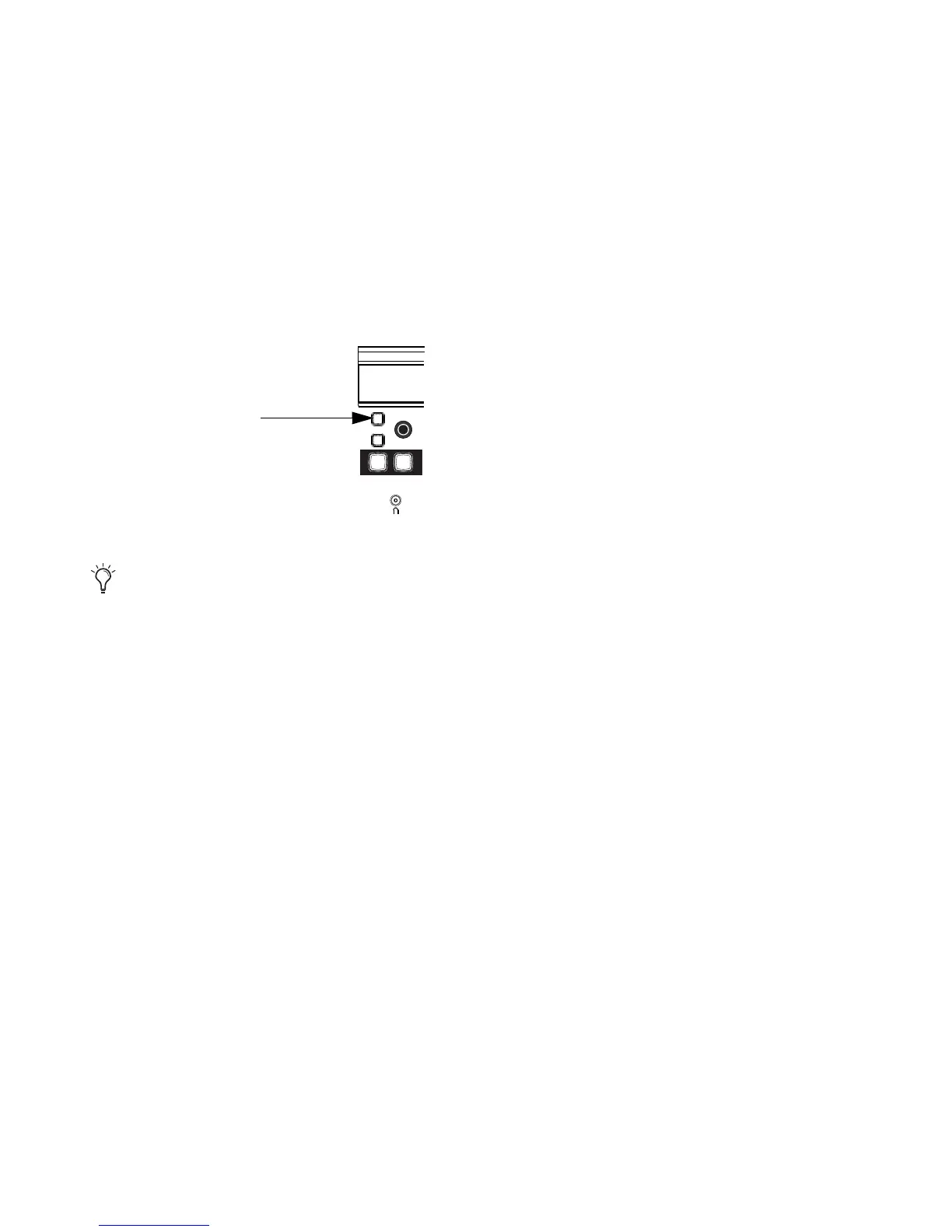
4 Hold Command+Control (Mac) and press the encoder row SEL key for the desired send.
Encoder SEL key on MC Mix
To toggle all sends in the same slot on all selected tracks, hold Shift+Option (Mac). To toggle all sends
in the same slot on all tracks, hold Option (Mac).













 To Next Page