Chapter 6: Plug-ins and Sends 41
Opening and Editing Sends on MC Mix
To access and edit a send (MC Mix):
1 Bank to and select the desired track.
2 Press the AUX key. Send assignments in slot A are displayed in the track LCD display.
3 To view other sends, press PAGE > until it is displayed (such as Bus 1–2).
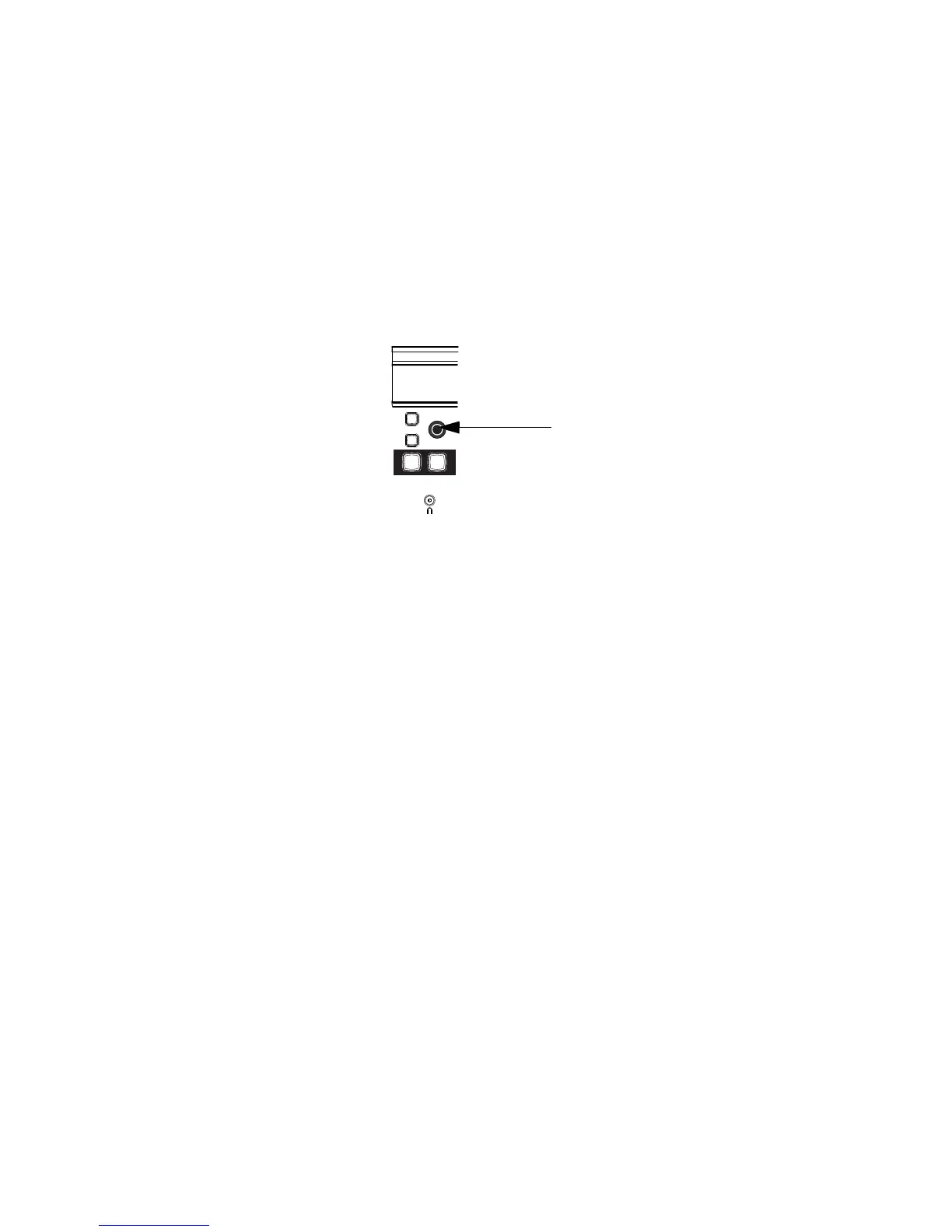
4 To adjust send level, rotate the encoder directly below the desired send.
To mute the send:
Press the ON key in the encoder row directly below the desired send. When muted, the ON key is un-
lit; when the send is on, the ON key is lit.
To toggle the send between pre-/post-fader:
Press the SEL key in the encoder row directly below the desired send. Sends are post-fader by de-
fault, in which state the SEL key is unlit; when the send is pre-fader, the SEL key is lit.
To adjust send pan:
1 Press the encoder showing the desired send. If the send is stereo, a single encoder will be mapped
to send pan (usually encoder 8). If the send is three or more channels (such as LCR, or a 5.1 send), ad-
ditional send pan parameters become available in the encoders (such as divergence, center percent-
age, and other multichannel pan parameters).
2 Rotate the appropriate encoder.
Send level encoder on MC Mix













 To Next Page