User’s Guide
24
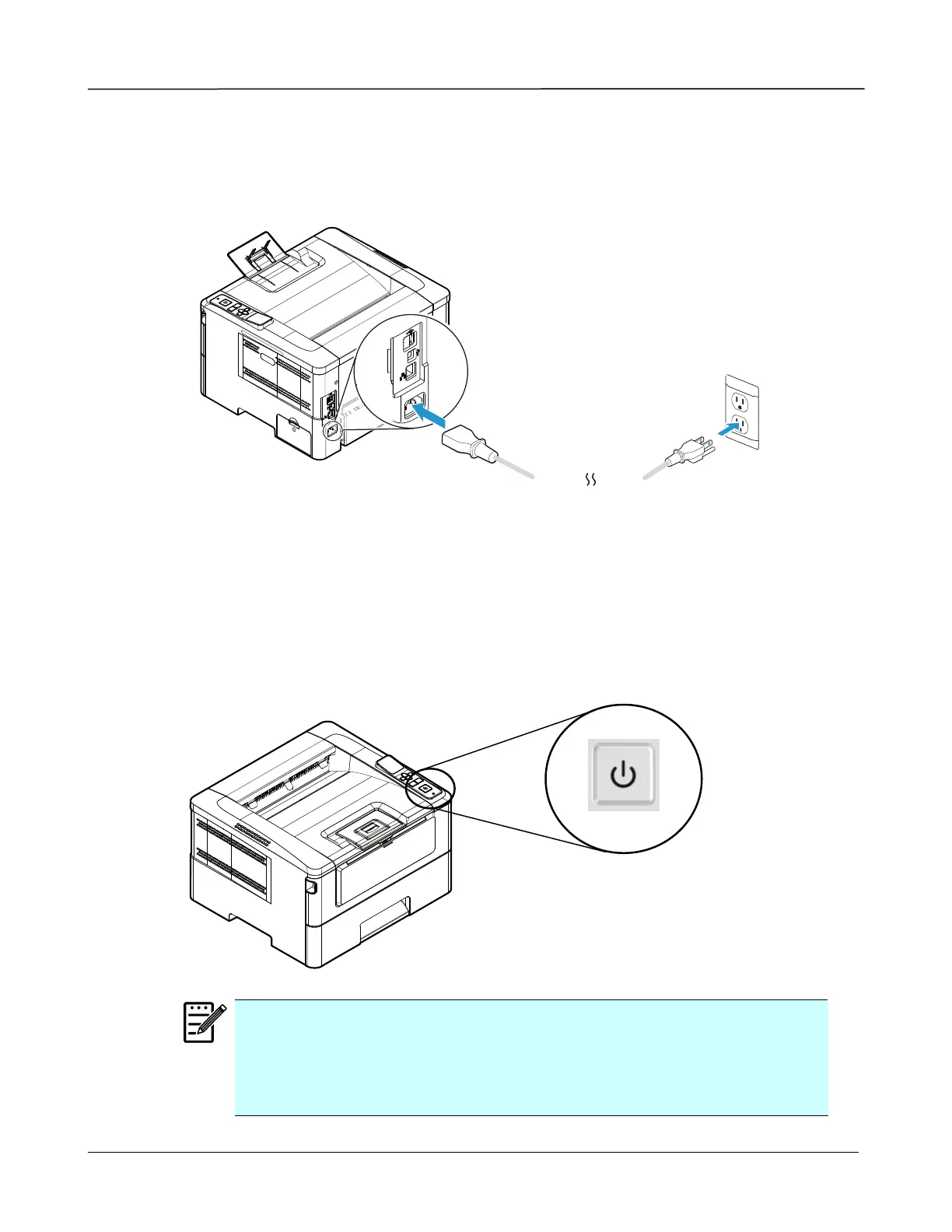
Connecting to Power
1. Connect the of the power cable to the power jack of your product.
2. Connect the other end to an appropriate power outlet.
Turning On The Printer
To turn on the PRINTER, press the power button located on the control panel. Ready
LED will be lit.
Note:
When the product is not in use, please long press the power button for 5
seconds until the Ready LED is turned off to get a zero power
consumption state.



 To Next Page