Installation
25
Connecting to the Network
Connect the PRINTER to the network to use the network printing function.
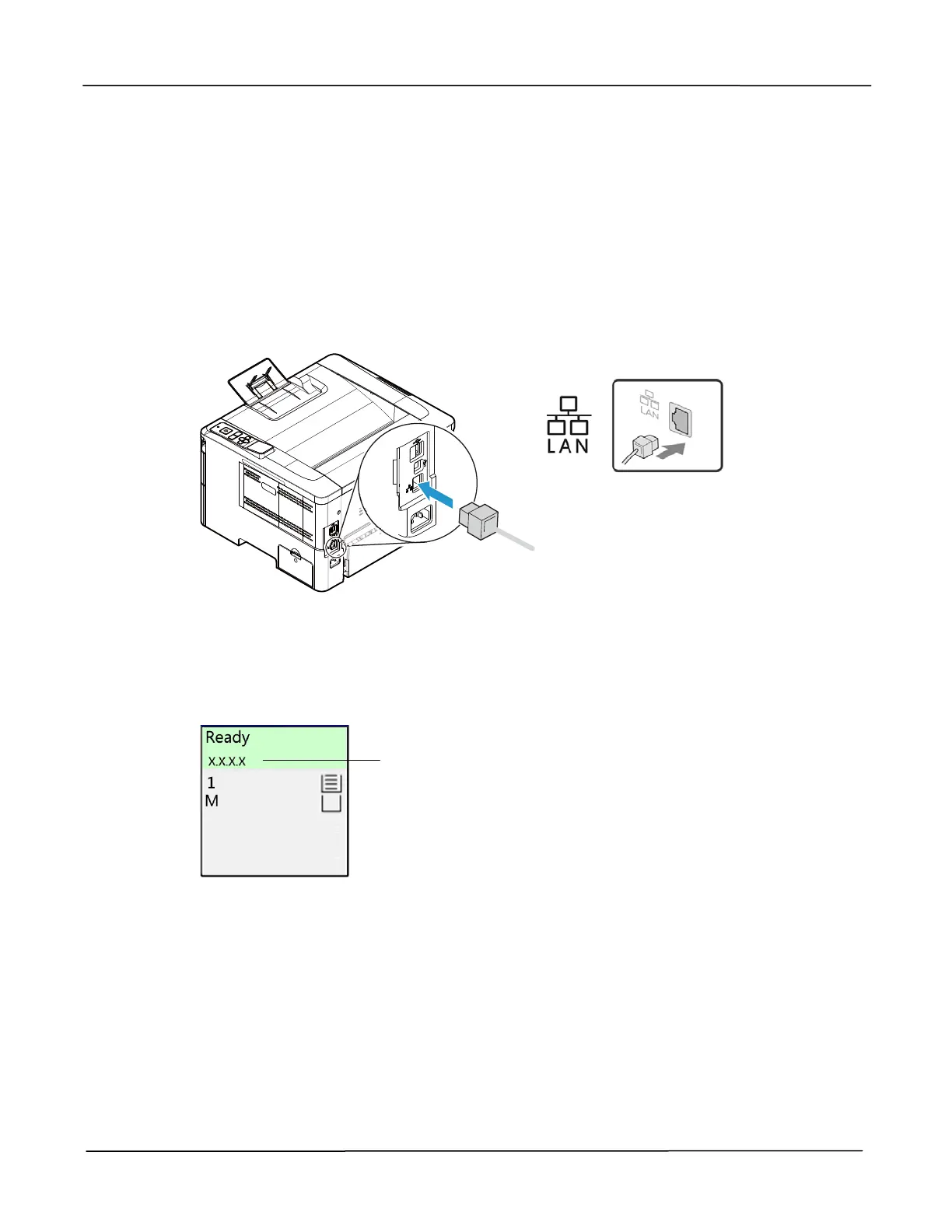
1. Connect one end of your network cable to an available port of your Ethernet Hub.
2. Connect the other end to the LAN port at the back of the product as shown.
After the network cable is connected and the IP address is successfully obtained
from the DHCP server, the LCD screen will display the IP address, as shown in
below.
IP Address



 To Next Page