Troubleshooting
71
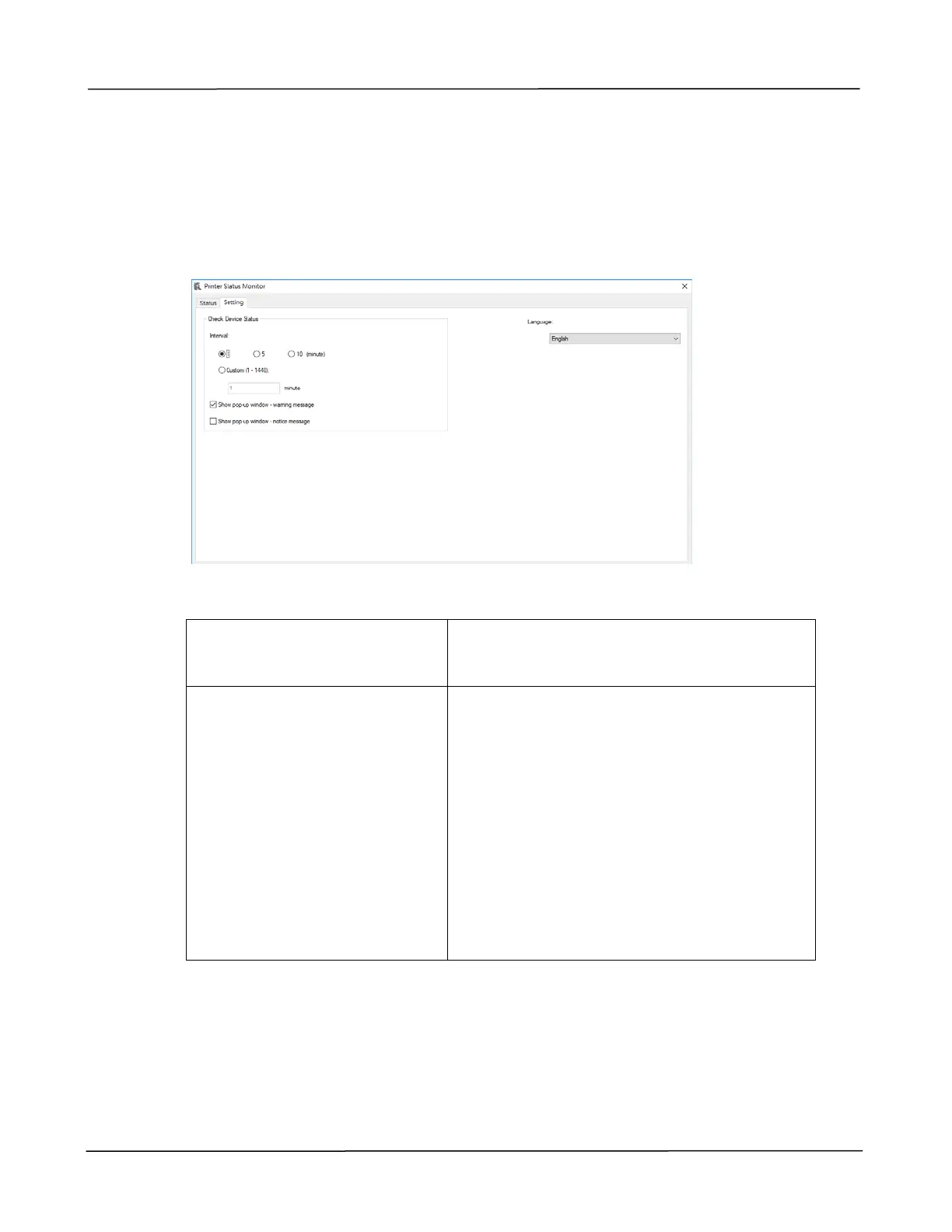
Setting Monitoring Preferences
To make specific monitoring settings, click the Setting tab on the Avision Status
Monitor window.
Language
Displays the language of the window.
Status Alert
Update Time
Show pop-up window –
warning message
Show pop-up window –
notice message
Define the interval to refresh the printer
error status.
Choice: 1, 5, 10 (minute), Custom (1 ~
86400) second
Check the box to automatically show the
warning message.
Check the box to automatically show the
notice message.



 To Next Page